

Darmowy VPN dla Steam
Planet VPN to potężne narzędzie do gier online za pośrednictwem konta Steam. Ten VPN bez limitów pomoże Ci ustanowić bezpieczne i stabilne połączenie dla Twoich potrzeb gamingowych.
- Zapobiegaj dławieniu przepustowości przez ISP
- Szyfruj ruch Steam
- Lekki i nie przerywa Twojej rozgrywki
- Zoptymalizowane serwery gamingowe

Dostępne na wszystkich urządzeniach i platformach
Napraw problemy z dostępem do Steam
Istnieje wiele powodów, dla których Steam może nie działać: ograniczenia regionalne, ograniczenia ze strony dostawcy internetu lub niestabilne połączenia.
Eksperci z Planet VPN przygotowali przewodnik wyjaśniający, dlaczego Steam może nie działać i co może powodować problemy z dostępem. Skorzystaj z poniższego linku, aby dowiedzieć się, jak rozwiązać typowe problemy.

Dlaczego potrzebujesz VPN, aby uzyskać dostęp do Steam?
Steam to popularna platforma, która dystrybuuje gry komputerowe na całym świecie. Ale czy wiedziałeś, że w zależności od Twojego regionu na Steam, zmieni się nie tylko dostępność gry, ale także jej cena?
Planet VPN pozwala grać w gry na platformie Steam, jednocześnie szyfrując połączenie i dbając o bezpieczeństwo konta. Łączy Cię z serwerami na całym świecie, zapobiegając monitorowaniu i dławieniu połączenia.

Przed zmianą Steam Region
Chociaż pomysł kupowania gier za pomocą bezpiecznego VPN brzmi prosto, istnieją pewne aspekty, które należy rozważyć.
Zasady i ograniczenia Steam
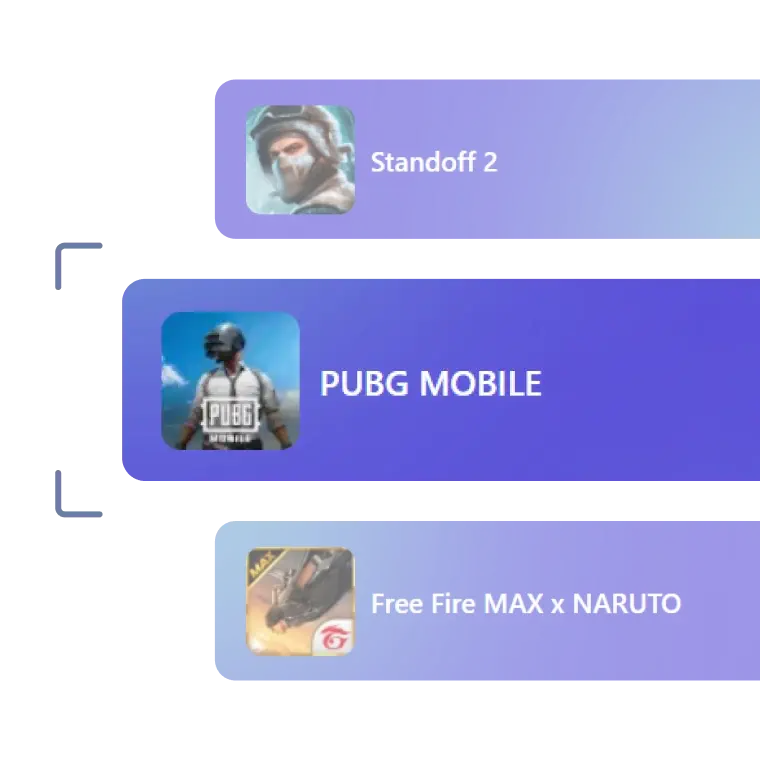
Steam ma surowe zasady dotyczące ograniczeń regionalnych. Oznacza to, że niektóre gry nie będą grywalne ani nawet możliwe do zakupu, w zależności od wybranego regionu.

Kompatybilność płatności
Steam może wymagać, aby Twoja metoda płatności była zgodna z krajem, z którego korzystasz. Jeśli Twoje dane nie są zgodne z regionem, transakcja może zakończyć się niepowodzeniem.

Konwersja walut
Pamiętaj o kursach wymiany walut, ponieważ opłaty mogą podwoić cenę. Niektórzy dostawcy płatności mogą również pobierać dodatkowe opłaty za transakcje międzynarodowe.
Zbyt częsta zmiana regionów jest ograniczona
Zmień region Steam samodzielnie w ustawieniach. W tym celu przejdź do ustawienia – konto – informacje o koncie i zmień kraj sklepu. Liczba takich zmian jest ograniczona.

Ryzyko działań wobec konta
Jeśli Steam wykryje nadużycie, Twoje konto może zostać objęte ograniczeniami. Upewnij się, że Twój adres IP zgadza się z wybranym krajem w ustawieniach.

Dlaczego potrzebujesz VPN, aby uzyskać dostęp do Steam?
Steam to popularna platforma, która dystrybuuje gry komputerowe na całym świecie. Ale czy wiedziałeś, że w zależności od Twojego regionu na Steam, zmieni się nie tylko dostępność gry, ale także jej cena?
Planet VPN pozwala grać w gry na platformie Steam, jednocześnie szyfrując połączenie i dbając o bezpieczeństwo konta. Łączy Cię z serwerami na całym świecie, zapobiegając monitorowaniu i dławieniu połączenia.

Jak skonfigurować Planet VPN dla Steam?
Konfiguracja Planet VPN dla Steam jest łatwa. Istnieją jednak pewne zasady, których należy przestrzegać.
Krok 1: Pobierz aplikację desktopową
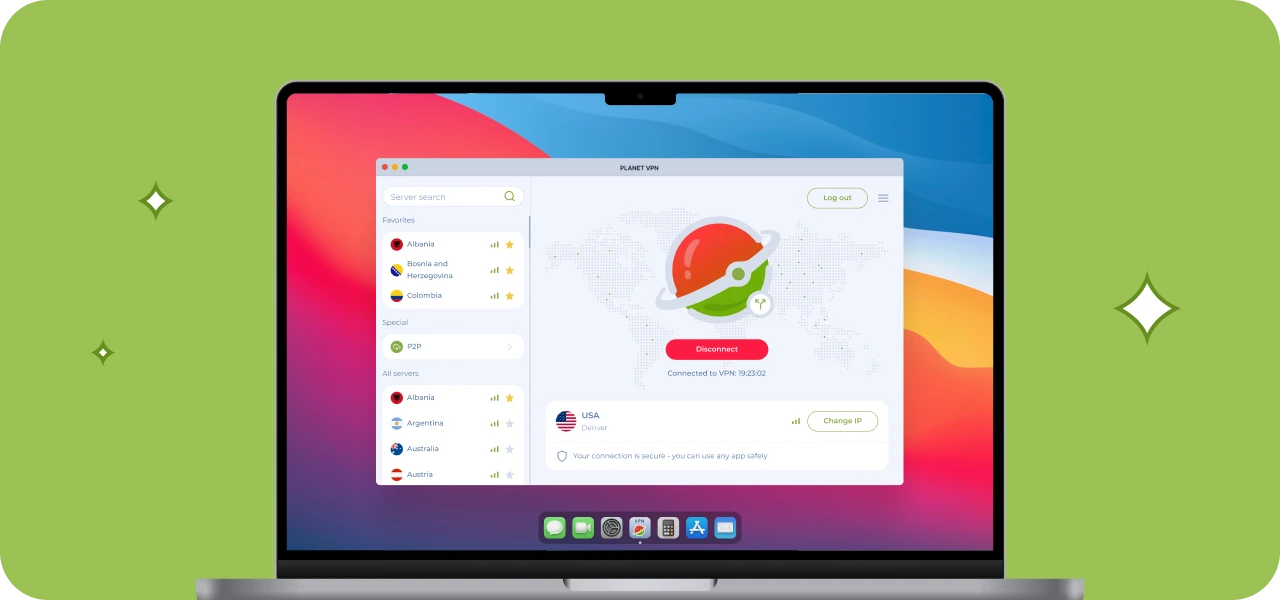
Pobierz aplikację z oficjalnej strony Planet VPN lub odwiedź Microsoft Store. Zainstaluj aplikację, gdy ją znajdziesz.
Krok 2: Wybierz preferowany serwer VPN
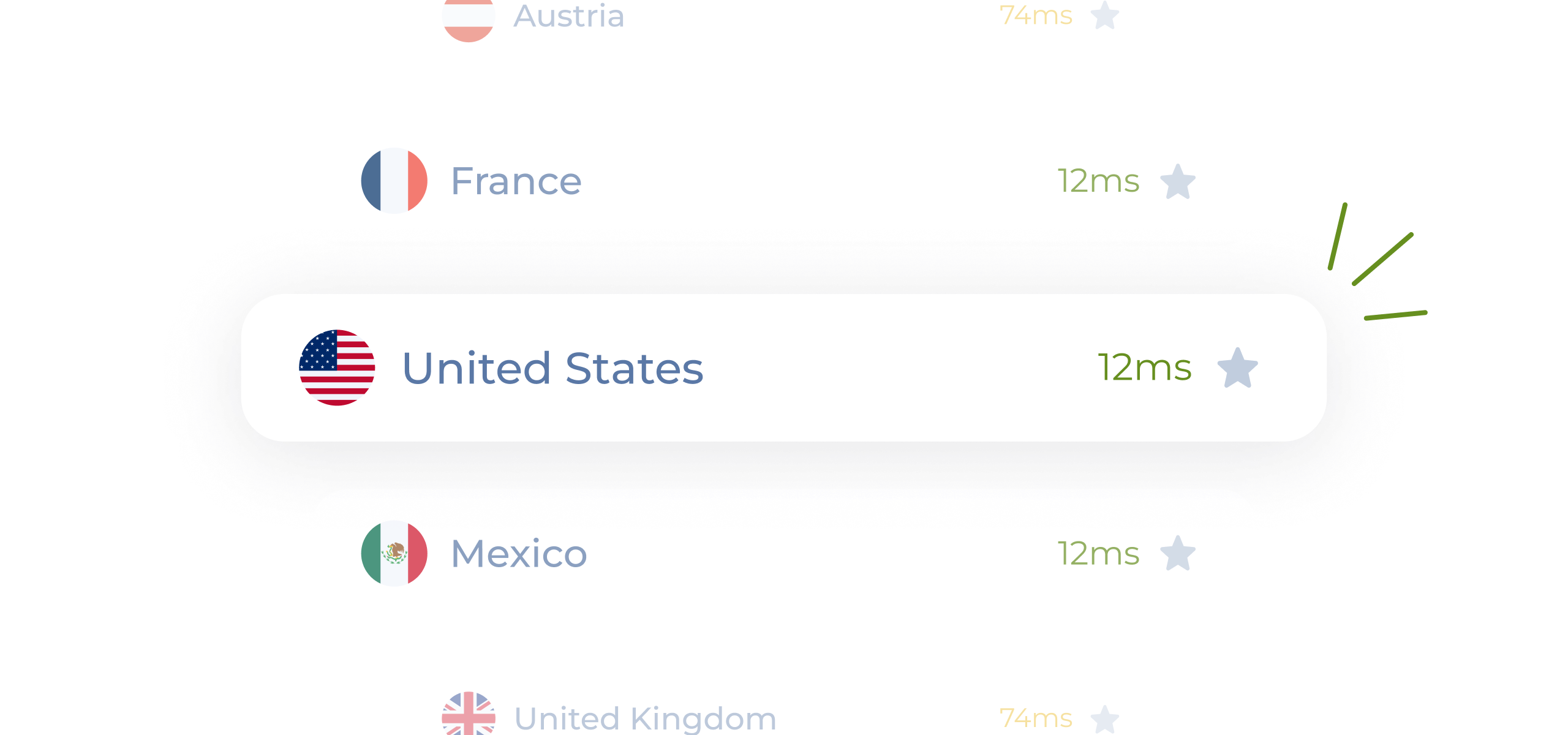
Możesz połączyć się z serwerem VPN za darmo. Zalecamy jednak przejście na wersję Premium, aby uzyskać dostęp do ponad 1260 serwerów, w tym tych przeznaczonych do gier.
Krok 3: Utwórz konto Steam
Przygotuj nowe konto Steam. Zastanów się wcześniej, który kraj chcesz wybrać i wybierz jego walutę. Niestety nie zadziała to w przypadku Twoich starych kont, ponieważ Steam monitoruje historię Twoich zakupów.
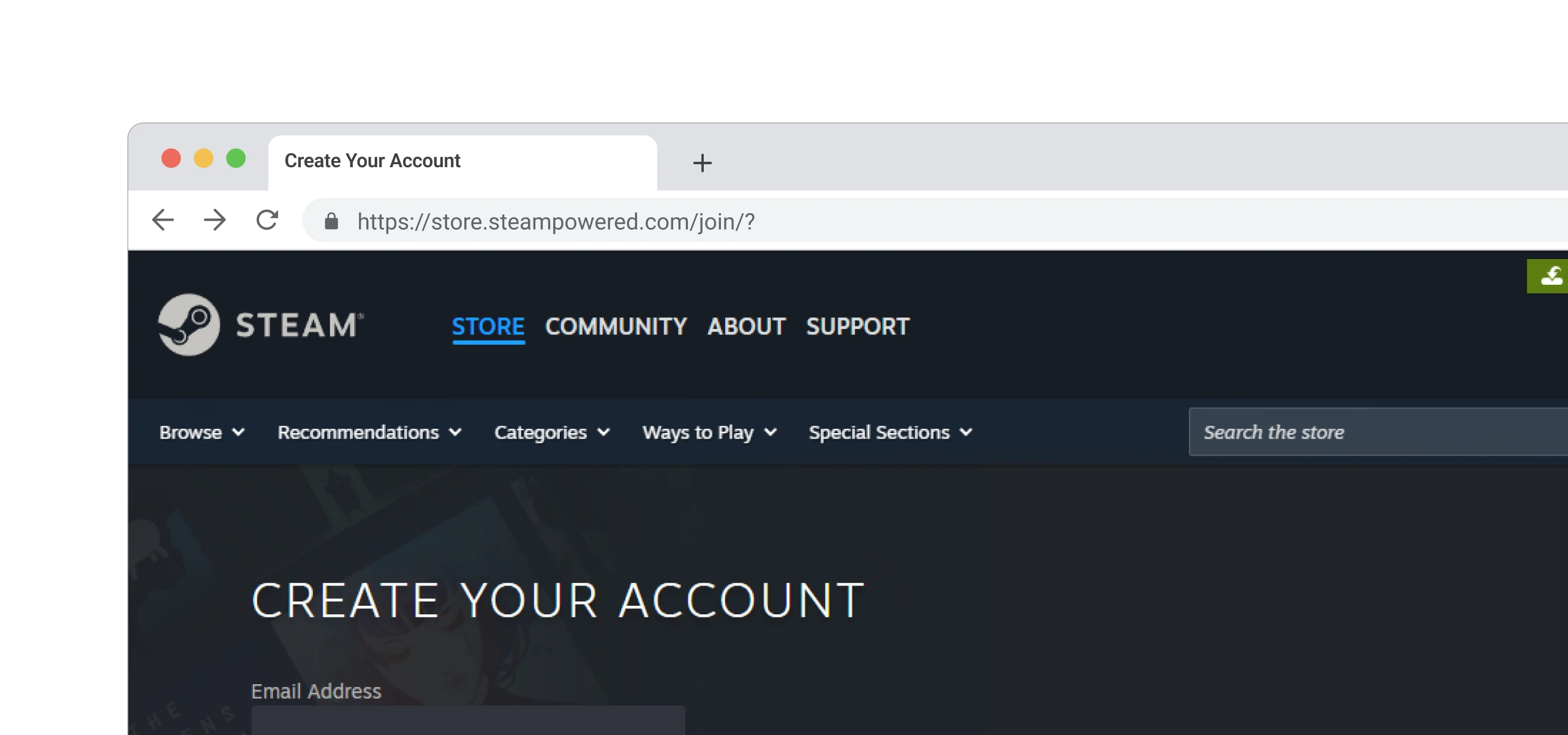
Krok 4: Eksploruj platformę!
Teraz, gdy jesteś bezpiecznie połączony z platformą, odkrywaj gry dostępne z nowego regionu!

Dlaczego Planet VPN to najlepszy VPN dla Steam?
Planet VPN oferuje szybkość i stabilność dla użytkowników Steam. To łatwe i szybkie rozwiązanie dla graczy dążących do poprawy swoich wrażeń z rozgrywki.

Ease of Use (użyteczność)
Interfejs jest przejrzysty i prosty. Nie musisz tracić czasu na skomplikowane ustawienia. Wystarczy jedno dotknięcie i łączysz się z bezpiecznym serwerem.

1260+ serwerów do wyboru
Wybierz region z szerokiej biblioteki gier. Łącz się ze znajomymi na całym świecie, gdziekolwiek jesteś, bez przerw w połączeniu.

Szybkość i optymalizacja
Zoptymalizowane serwery Premium gaming są stworzone specjalnie dla potrzeb graczy. Twój ping będzie stabilny nawet w grach multiplayer.

Brak logów i szyfrowanie
Planet VPN szyfruje Twoje połączenie za pomocą silnego szyfrowania. Aplikacja nie monitoruje, nie gromadzi ani nie udostępnia Twojej aktywności, ponieważ przestrzegamy rygorystycznej polityki no-logs policy.
Jak Steam Game Availability zmienia się w zależności od regionu
W zależności od Twojego regionu, Steam będzie oferować Ci określone gry w zależności od lokalnych przepisów lub ograniczeń wydawcy. Tytuły, DLCs, a nawet całe gatunki mogą być niedostępne tylko ze względu na miejsce zarejestrowania Twojego konta.
Choć USA i United Kingdom są w większości wolne od ograniczeń, wciąż istnieje wiele DLC dostępnych tylko dla konkretnych krajów. Nie zawsze można przewidzieć, która gra będzie miała problemy z licencjonowaniem. Weźmy na przykład The Sinking City lub japońską edycję Resident Evil 7, która nie jest dostępna w niektórych regionach.
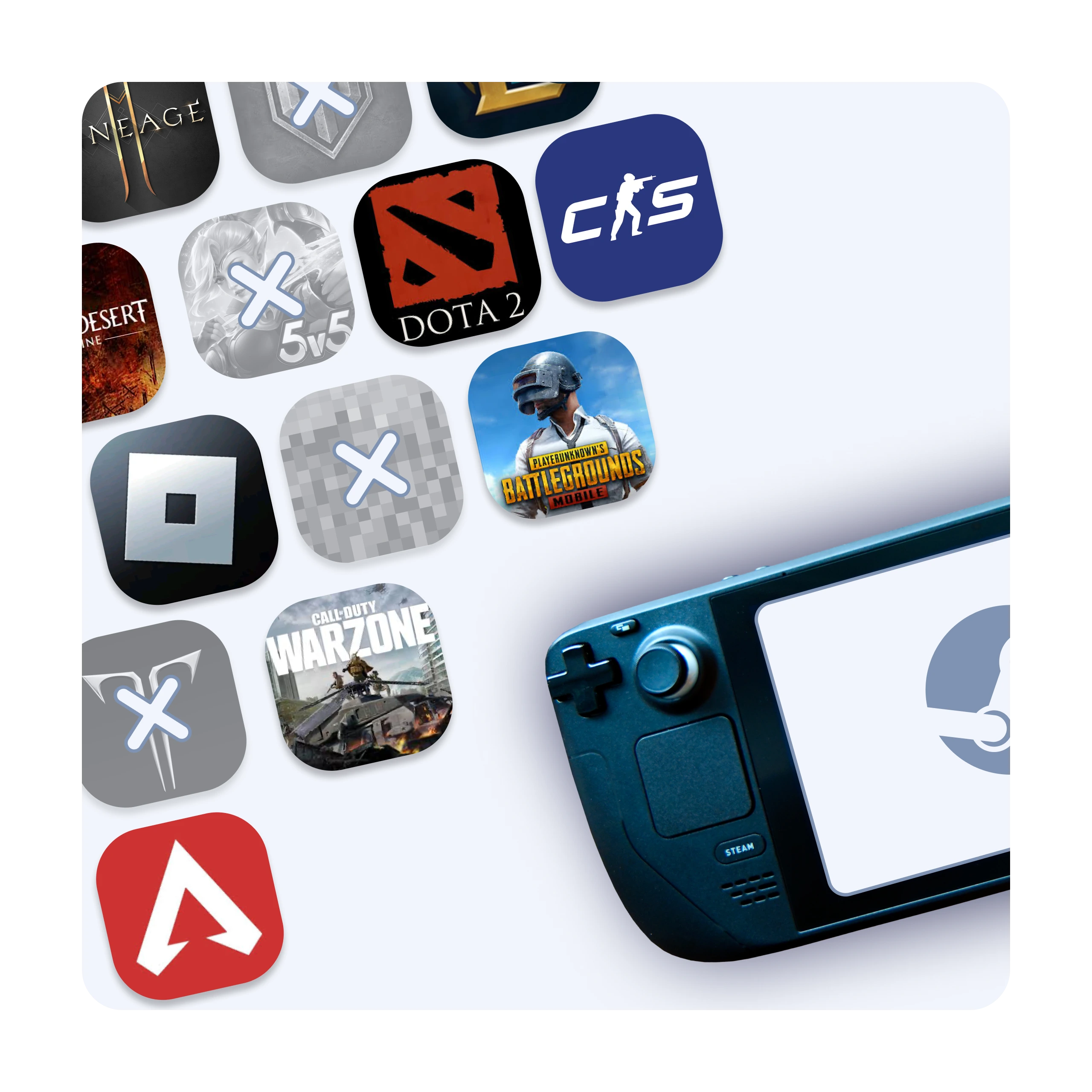
Planet VPN Premium to globalna sieć
Wersja premium Planet VPN jest idealna dla graczy, którzy cenią sobie niski ping, wysoką prędkość i globalny dostęp
do gier.

1260 serwerów

Double VPN

Szyfrowanie AES 256-bit

Onion over VPN dla routera

Protokoły OpenVPN, PlanetX, StarGuard i IKEv2

Dzielone tunelowanie (Split tunneling)

Ochrona przed wyciekiem DNS i IP

Killswitch
Często zadawane pytania (FAQs)
-
Dlaczego gracze potrzebują VPN?
VPN chroni Twoje połączenie przed atakami DDoS, pomaga uzyskać dostęp do gaming servers w innych regionach i redukuje latency poprzez wybór najlepszej traffic route.
-
Czy VPN zwiększy ping w grach?
Kiedy połączysz się z najlepszymi serwerami Planet VPN, Twój ping (czas potrzebny komputerowi na wysłanie i odebranie danych) będzie bardzo niski, a połączenie pozostanie stabilne nawet podczas intensywnych bitew online.
-
Czy można używać Planet VPN za darmo do grania w gry?
Możesz grać w 6 darmowych lokalizacjach gier. Subskrybuj ponad 100 premium z dodatkowymi funkcjami, większą prędkością i zwiększonym bezpieczeństwem dla najlepszych wrażeń z gaming.
-
Czy Planet VPN działa na konsolach do gier?
Możesz absolutnie skonfigurować VPN na routerze. Pozwala to na podłączenie konsol do gier, takich jak PlayStation, Xbox i Nintendo Switch.