

Free VPN for Xbox: Play Smarter, Stay Protected
Lag, geo-restrictions, and unsecured public networks can get in the way of a good session. Planet VPN helps stabilize your Xbox connection, protect your account, and keep your gameplay consistent, for free.
- Lower ping and reduced lag spikes
- Safer gaming on public and shared networks
- Access to game libraries and content from other regions
- Free forever, no registration required
Available on All Devices and Platforms
Is your Xbox connection holding you back?
Some games, DLC, and early releases are only available in certain regions. Meanwhile, ISP throttling and poor routing can make competitive play frustrating, even on a fast connection.

Why region matters in gaming
Xbox game libraries vary by country. Prices, release dates, and available titles differ depending on your location, and some content never reaches certain markets at all.

How Xbox detects your location
Microsoft uses your IP address to determine your region. This controls which store, which content, and which pricing tier you see.

What to expect when gaming with a VPN
A stable VPN connection routes your traffic more efficiently, reduces ping spikes, and lets you connect to servers closer to your game’s infrastructure, without sacrificing speed.

Using Planet VPN to connect to free servers
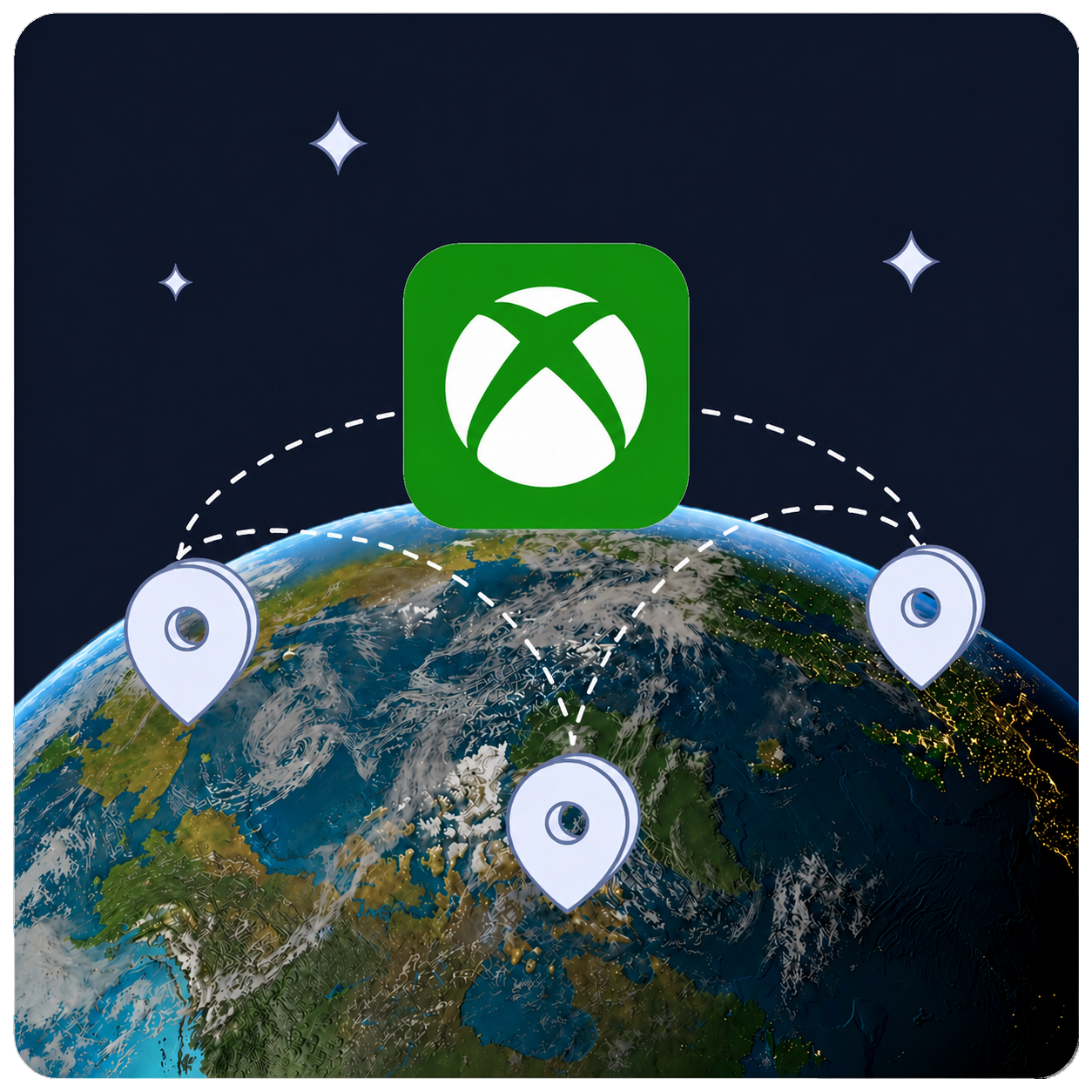
Connect to a Planet VPN server in your target region and restart your Xbox network connection. Your console will operate as if it’s located in that country.

Safe and secure gaming with Planet VPN
Planet VPN encrypts your connection and keeps your account protected, whether you’re gaming at home or on a shared network. No logs, no tracking.

How to Use Planet VPN with Xbox
Download & install on your device
Download Planet VPN on your PC or mobile device and set it up in a couple of minutes. For Xbox, connect through a VPN-enabled router or Windows hotspot.
Select a server and connect
Pick a server in your target region to change your virtual location and improve your routing.
Launch Xbox and start playing
Open the Xbox app or turn on your console. Your connection is now encrypted and routed through Planet VPN.
Why Choose Planet VPN for Xbox?

Privacy First, No-Logs Policy
No activity logs, no browsing history. Planet VPN keeps your connection private every time you play.

No Data or Speed Limits
Stream, download, and game without worrying about traffic caps. Free servers deliver speeds suitable for online gaming and stable matchmaking.

Free, No Registration Required
No subscription, no email. Connect and play straight away. Core features stay free, for as long as you need them.

Cross-Platform
Use Planet VPN across all your devices, phone, tablet, PC, or router. One account covers everything.
Why is some Xbox content region-locked, and how does a VPN help?
Microsoft licenses games and content by region, which means release dates, store pricing, and available titles vary by country. A VPN lets you connect through a server in a different region so you can access content not yet available where you are.
With Planet VPN, you get a fast, stable connection to your chosen region, so you can browse international game stores, join friends on different servers, and access titles ahead of local release.


Planet VPN Premium: 100+ Locations and 1260+ Servers
Planet VPN Premium gives you a faster, broader network built for gaming. Low-ping servers, 100+ locations, and 1,260+ servers keep your Xbox sessions stable, whether you’re in a ranked match or downloading a large update. Premium includes Kill Switch, Double VPN and Onion over VPN servers, AES 256-bit encryption, OpenVPN, PlanetX, StarGuard, and IKEv2 protocols, DNS and IP leak prevention, split tunneling, and 24/7 support.
Planet VPN Premium is a Global Network
Premium is built for gamers who need low ping, consistent speeds, and broad regional coverage.

1260 servers

Double VPN

AES 256-bit encryption

Onion over VPN for router

OpenVPN, PlanetX, StarGuard, and IKEv2 protocols

Split tunneling

DNS and IP leak prevention

Killswitch
Frequently Asked Questions (FAQs)
-
Can I put a VPN on an Xbox?
You can’t directly install a VPN on an Xbox — Xbox consoles don’t support VPN apps natively, across any model including Xbox One, Xbox Series X, and Xbox 360. The practical workaround is to run the VPN one step up the network chain. Set it up on your router, and your Xbox connects through it automatically.
-
Does Xbox have a built-in VPN?
No Xbox console has a built-in VPN — not Xbox One, not Xbox Series X, and Microsoft hasn’t added native VPN support to any Xbox model. To use a VPN with your Xbox, you need to run it through your router or share a VPN connection from a PC. Set up Planet VPN on your router and every device on your home network, including the Xbox, goes through it automatically. It’s a one-time setup that covers your console without any ongoing effort.
-
What VPN can I use on my Xbox?
Since Xbox consoles don’t support VPN apps directly, the VPN you use needs to work well at the router or PC level — that’s where it runs. Planet VPN works on both: install it on your router to cover the whole network, or run it on a Windows PC and share the VPN connection with your Xbox. It encrypts your gaming traffic, masks your IP address, and helps protect against DDoS attacks during online gaming sessions.
-
Is there a free Xbox VPN?
Planet VPN is free to use — and it works on Xbox through your router or a shared PC connection. Core features cost nothing: you get reliable encryption, a no-logs policy, and access to servers in multiple locations without a subscription. Free Xbox VPNs from less transparent providers often come with trade-offs like data caps, slower speeds, or unclear privacy practices, so it’s worth knowing exactly what you’re getting.