

Free VPN for iPhone – Secure, Unlimited & 100% Free
Download Planet VPN for iPhone and enjoy a private, anonymous, and open internet. This VPN is the most reliable and secure VPN solution for your iPhone or iPad.
- Our service is 100% free
- Enjoy unlimited speed and bandwidth
- No logs, no registration
- Fast connection with strong encryption

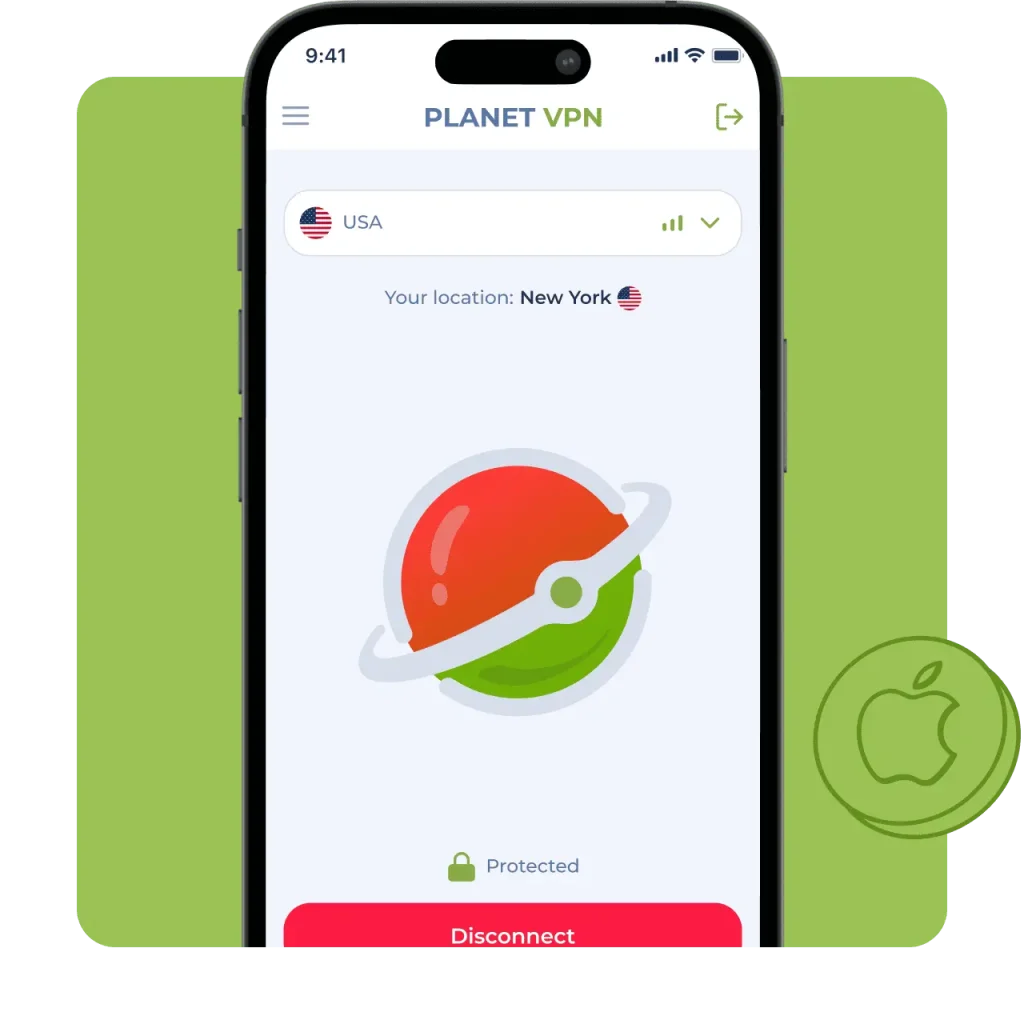
Available on All Devices and Platforms
How Our Free iOS VPN Works
Quick Install from the App Store
Download Planet VPN from the App Store in just a few seconds. It’s easy to set up; you don’t have to mess with any extra settings with the free iOS VPN.
One‑Tap Connect
With an iPhone VPN, you can connect to a VPN from anywhere. Just tap a button, – this saves time and makes it as easy as possible to use.
Support for WireGuard and IKEv2 Protocols
We use solid encryption like IKEv2 and OpenVPN to keep your info safe with our iPhone VPN. Your data is completely secure with the free VPN for iOS.
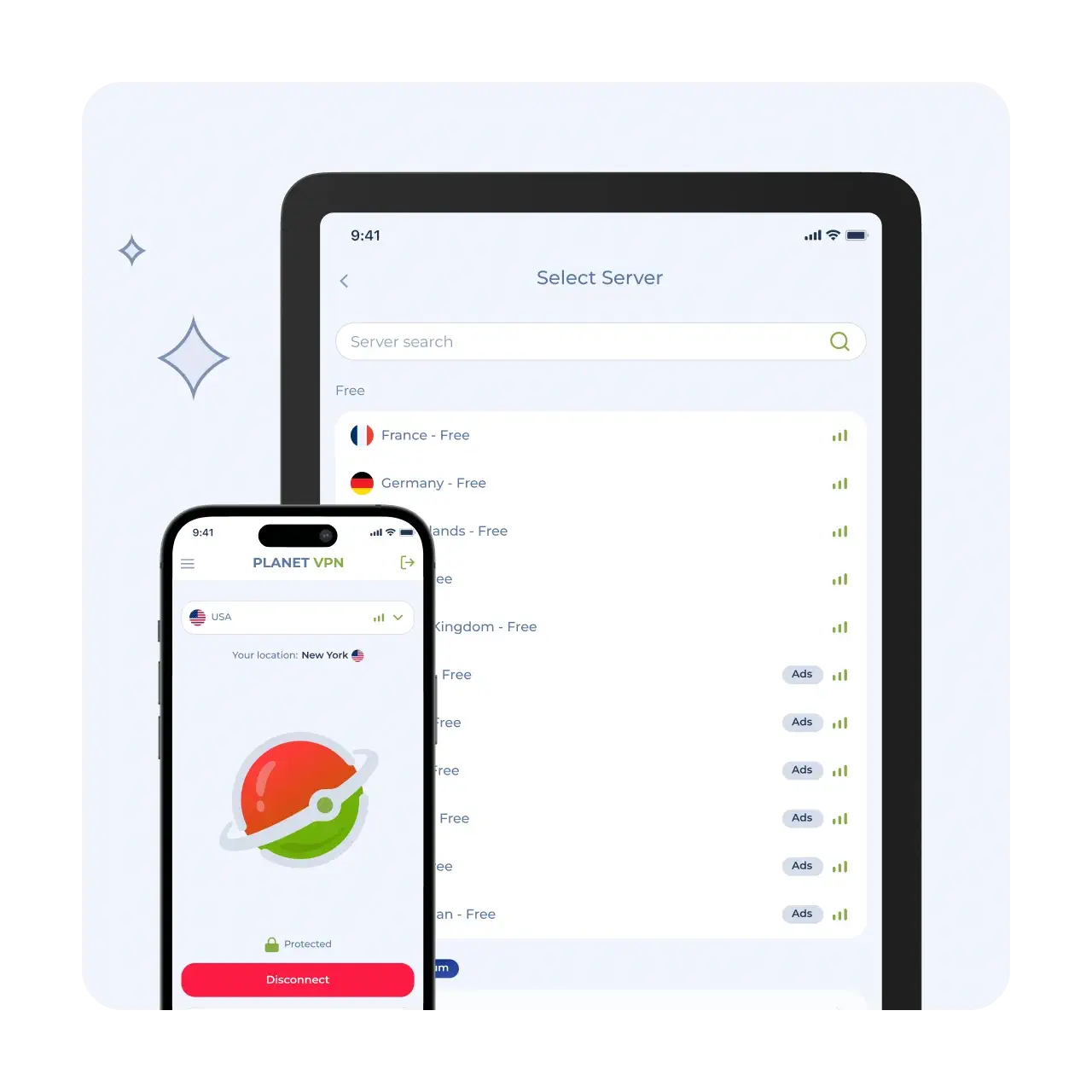
Easy Steps to Install and Use Free VPN for iOS
Get the Planet VPN App
Locate Planet VPN in the App Store, and then download it to your device.
Open Up and Grant Permissions
Open the app, allow permissions, and configure your VPN profile.
One‑Tap Connect Without Signup
Select a server and tap “Connect.” You will immediately be connected safely and anonymously.
Why Choose Planet VPN for iOS?
This is a reliable method for protecting your data and maintaining complete anonymity online.
100% Free with No Hidden Limits
You get to use all the key features for free. There are no speed or data limits, and you don’t need to pay or subscribe.

No Logs Policy – True Online Anonymity
Our free VPN for iPhone keeps your anonymity by hiding your IP address and encrypting your internet traffic as well as unblocks websites and services that are blocked in your region or by your ISP.
Based in Romania for Strong Privacy Laws
Planet VPN is based in Romania, a country that enforces strict EU data protection laws, ensuring strong anonymity and security. The country’s robust privacy regulations help protect your data from surveillance and misuse.

No Registration Required
No registration or subscription is required. Download Planet VPN and start using it right away! You don’t have to give any of your info or email.

Anonymous Use & Zero Logs
Your online activities are completely anonymous: we do not collect or store any logs of your activity.

Key Features for iOS Users
Use all features for free with no speed or data limits. Our tools protect your data and keep you anonymous online.

No Registration — Start with One Tap
No account creation or email address is required for iOS VPN. Just install and connect! This accelerates the process while preserving your anonymity.

Always-on Protection for Public Wi‑Fi
Stay safe when connected to public Wi-Fi networks with a free VPN for iPhone. The VPN works continuously, protecting your data from interception.

Unlimited Bandwidth & No Hidden Filters
No traffic or speed limits — enjoy unlimited usage. We don’t use hidden filters or restrictions for websites and apps.

AES‑256 Encryption, Kill Switch & Leak Protection
Your data is protected with state-of-the-art AES-256 encryption and iOS VPN. Kill Switch and leak protection ensure your security even if the connection is interrupted.
Free VPN for iPhone vs Premium
Choose between a free basic plan or Premium for maximum speed and features.
What’s included in the free plan:
The service doesn’t store your activity or require an account. Your actions and personal data are never recorded or shared.
Upgrade benefits
How to upgrade easily within the app
Simple – open the app and go to the “Update” section. Select the appropriate plan. Premium features can be obtained right away by paying in a few seconds.

Why Planet VPN Is Trusted by Millions
Worldwide
Verified & Reviewed by Trusted Review Sites

Planet VPN shines in a couple of categories. It supports torrenting and offers robust security features along with a transparent no-logs policy. Plus, its streaming capabilities and speeds have improved thanks to its new StarGuard protocol. On top of that, its free version has no traffic, bandwidth, or time limits, which is uncommon among most VPNs.

I’m pleased with Planet VPN’s transparency and no-logs policy. It does a great job at keeping users secured online. It also has a good server network and is quite user-friendly.

Planet VPN is secure and pretty fast, but it’s only good for torrenting and browsing. It includes industry-standard VPN security features like 256-bit encryption, a kill switch, a strict no-logs policy, and protection and DNS and WebRTC leaks. Planet VPN has an intuitive dashboard that is easy to navigate and allows 10 simultaneous connections.
We are trusted by more than 10 million users
worldwide – Join us!





Frequently Asked Questions (FAQs)
-
Does iOS have built in VPN?
iOS has built-in support for configuring a VPN, but no built-in VPN service. Under Settings > General > VPN & Device Management you can manually add a VPN connection (IKEv2, IPsec, or L2TP) if you already have server details. Apple doesn’t supply any servers itself. For a ready-made solution, install a VPN app such as Planet VPN, which sets everything up automatically.
-
Can you get VPN on iOS?
Yes. You can add a VPN on any iPhone or iPad, either by installing a VPN app from the App Store or by manually configuring a connection in Settings. The simplest route is to download the free Planet VPN app, open it, and tap connect — no manual configuration required.
-
Does iOS have a free VPN?
iOS doesn’t include a free VPN service of its own, but you can install one. Planet VPN offers a free iOS app with unlimited data, 256-bit encryption, and a no-logs policy, with no registration or payment needed. Download it from the App Store and connect in one tap.
-
Which VPN is good for iOS?
A good iOS VPN should be secure, fast, easy to use, and respect your privacy. Planet VPN meets these needs with strong 256-bit encryption, a strict no-logs policy, a kill switch, and simple one-tap connection — all free, with support for up to 10 devices including your iPhone and iPad.
-
Which VPN is 100% free?
Planet VPN is 100% free — no fees, no data caps, no time limits, and no registration or payment details required. It works on iOS, Android, Windows, macOS, and Android TV, and follows a strict no-logs policy so your activity is never recorded.
-
Is iOS built-in VPN good?
The iOS built-in VPN client is secure and reliable, but it only works if you already have a VPN server and configuration to plug into — it provides no servers or one-tap connection on its own, and setup is manual. For most users a dedicated app like Planet VPN is easier and more capable, adding server choice, a kill switch, and instant connection while still using the same secure protocols underneath.