

Free VPN for Gaming – High Speed, Low Ping, Maximum Security
Planet VPN delivers fluid, lag-free gameplay with fast speeds, low latency, and steady, low ping.
- Low ping, low latency, lag-free gameplay
- Global server network — 1,260+ game servers
- DDoS protection and a stable connection
- Support for all platforms and devices
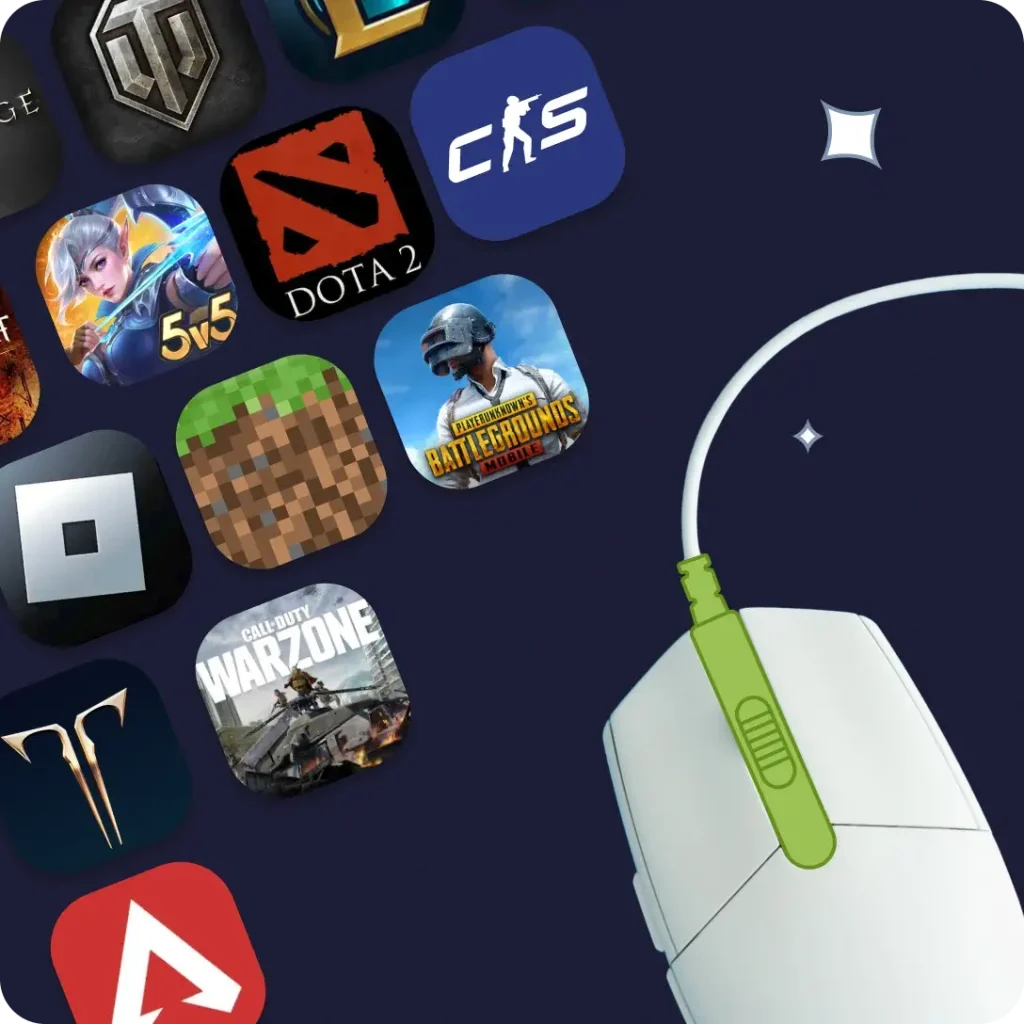
Available on All Devices and Platforms
Play freely with Planet VPN
A good gaming VPN keeps play smooth and secure — low ping, stable speeds, and access to more game servers.
Planet VPN works on every platform. Strong encryption, DDoS protection, and ISP-throttling prevention keep gameplay smooth — use a VPN to play free on 6 locations or go Premium.

How to use Planet VPN to start gaming?
Download Free VPN
Install free Planet VPN or register with premium on any device.
Connect to a server
Choose a server location close to the game server to cut lag, ping and latency, and reach blocked servers.
Play freely
Start using our gaming VPN for smooth, secure, and uninterrupted gameplay around the world.
Why is Planet VPN the ideal option for gamers?

Get to any game location
Choose from 6 free gaming locations or upgrade to 100+ Premium servers for faster speeds, extra features, and better security.

Security and privacy
Use the free version, where no personal data is needed; download Free VPN. For full privacy features, create a premium account with an email address.

Ultra-Fast, Lag-Free Gaming
Planet VPN’s optimized game servers ensure stable connections, low ping and minimal lag — perfect for fast-paced, competitive multiplayer battles.

Reach Tournaments and Events
Access tournaments, esports events, and exclusive in-game content easily. Planet VPN provides a stable, seamless connection to keep you in the game.

Flexible locations options
Get the best gaming experience by choosing from 6 free gaming VPN locations or upgrading to 100+ Premium servers with extra features, faster speeds, and enhanced security.

All Devices & 24/7 Support
Planet VPN works on Windows, macOS, iOS, Android, smart TVs, and routers. Download the free VPN now or upgrade to premium for 24/7 setup and support.
Unblock all Streaming platforms with Planet VPN

VPN for Steam
Access Steam from anywhere, reduce lag, and protect your account while gaming online.

VPN for Roblox
Play Roblox without regional restrictions and keep your connection secure and stable.

VPN for PUBG
Connect to PUBG servers worldwide, lower ping, and enjoy smoother gameplay.

VPN for Warzone
Get access to Warzone servers in different regions and protect your connection from DDoS attacks.

VPN for Fortnite
Play Fortnite without ISP throttling, reduce latency, and stay protected online.

VPN for Free Fire
Unlock Free Fire servers worldwide and enjoy fast, secure mobile gaming.

VPN for Mobile Legends
Access Mobile Legends without restrictions and improve connection stability during matches.

VPN for League of Legends
Connect to League of Legends servers globally, reduce ping, and avoid connection issues.

VPN for Valorant
Connect to Valorant servers worldwide, reduce ping, and enjoy smoother competitive gameplay.

VPN for Minecraft
Play Minecraft on global servers, get past restrictions, and enjoy a stable multiplayer experience.

VPN for Lost Ark
Play Lost Ark from any region, reduce latency, and maintain a stable connection.

VPN for Destiny 2
Connect to Destiny 2 servers globally, reduce lag, and enhance your online gaming experience.

VPN for World of Warcraft
Access World of Warcraft servers worldwide, improve connection speed, and enjoy seamless gameplay.

VPN for Black Desert
Play Black Desert without regional restrictions and maintain a fast, stable connection.

VPN for Genshin Impact
Access Genshin Impact servers worldwide, reduce lag, and enjoy uninterrupted gameplay.

VPN for CS2
Play CS2 with lower ping, access global servers, and improve your overall performance.

VPN for Pokémon Go
Unlock Pokémon Go features worldwide, get past location limits, and maintain a secure connection.

VPN for Dota 2
Connect to Dota 2 servers globally, reduce ping, and avoid lag during matches.

VPN for Final Fantasy
Access Final Fantasy servers worldwide and enjoy smooth, uninterrupted gameplay.

VPN for Overwatch
Play Overwatch on global servers, reduce latency, and protect your connection.

VPN for Diablo
Access Diablo servers globally, improve connection stability, and stay secure online.

VPN for Apex Legends
Connect to Apex Legends servers worldwide, lower ping, and enjoy smoother matches.

VPN for GTA
Play GTA Online with reduced lag, access global servers, and enhance your gaming experience.
Why do you need a VPN for gaming?
Use a VPN to reach game servers around the world and get past geo-blocks. It encrypts your data and prevents leaks on public and home networks.
A gaming VPN also helps you avoid ISP speed throttling, for stable, fast gameplay without lag or high latency. On Windows, just use a free VPN app.

Frequently Asked Questions (FAQs)
-
Why do gamers need a VPN?
A VPN protects your connection from DDoS attacks, helps you access gaming servers in other regions, and reduces latency by choosing the best traffic route.
-
Will the VPN make the ping higher in games?
When you connect to a nearby Planet VPN server, your ping (the time your computer takes to send and receive data) stays very small, and the connection stays stable even during intense online battles.
-
Is it possible to use Planet VPN for free to play games?
You can play on 6 free game locations. Subscribe to over 100 premium with extra features, faster speeds, and enhanced security for the ultimate gaming experience.
-
Does Planet VPN work on game consoles?
You can absolutely set up a VPN on a router. This allows you to connect game consoles like PlayStation, Xbox, and Nintendo Switch.