

Best VPN for Chromebook – Fast, Secure, and Easy to Use
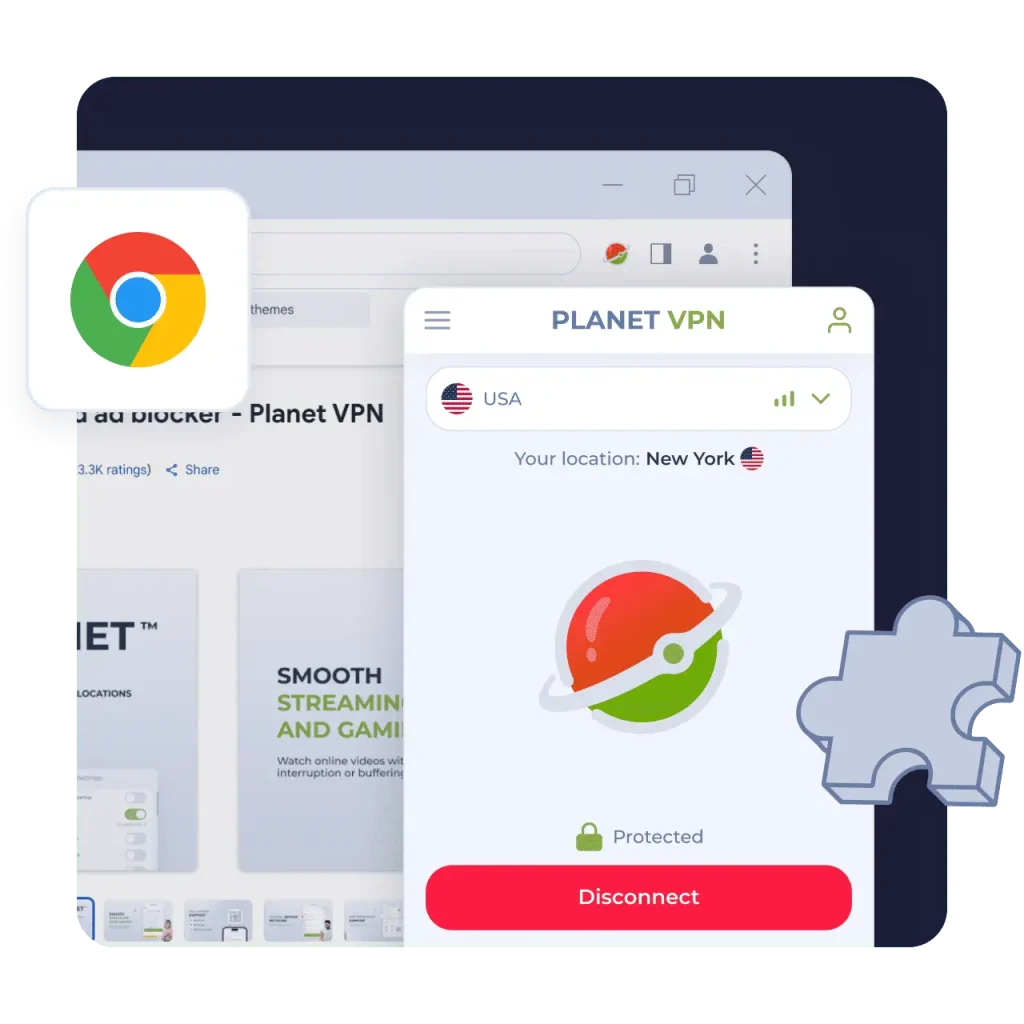
Planet VPN works on Chromebook through a Google Chrome extension and Android apps available via Google Play, allowing you to secure your connection and browse safely on your device.
- Secure traffic encryption – No logs
- Compatible with ChromeOS and Chrome browser
- Stable performance on any Chromebook
- No registration required
Works on All Devices and Platforms
Why Choose a Free VPN for Chromebook with Planet VPN?
Easy Setup
Getting started takes just a few seconds. Download the Planet VPN for Chromebook from Google Play and connect to a secure server instantly.

Strong Security
Planet VPN protects your internet traffic with AES-256 encryption and modern VPN protocols, helping keep your personal data safe from hackers, trackers, and surveillance.

Global Server Network
The free version includes 6 locations, while the premium version provides access to 1,260+ high-speed servers in 100+ locations for fast and stable connections worldwide.

How to Use a VPN on a Chromebook
Install Planet VPN
Download Planet VPN for Chromebook from the Google Play
Open Planet VPN on Your Chromebook
Launch the Planet VPN on your Chromebook and start using a secure VPN connection on ChromeOS.
Connect to a Server
Choose a server location or connect to the fastest server to secure your internet connection.
Planet VPN Features for Chromebook Users
Planet VPN includes advanced technologies that make your connection secure, fast, and reliable on Chromebook.

Kill Switch
The built-in Kill Switch automatically disconnects your internet if the VPN connection drops, helping prevent your real IP address from being exposed.

Smart Online Protection
Planet VPN helps protect your browsing by securing your connection and reducing the risk of trackers, phishing websites, and malicious resources.

Modern VPN Protocols
Planet VPN uses modern VPN technologies that deliver the right balance of speed, stability, and security for ChromeOS.

AES-256 Encryption
All Planet VPN servers use AES-256 encryption, one of the most trusted standards for protecting online privacy and sensitive data.
Planet VPN for Chromebook
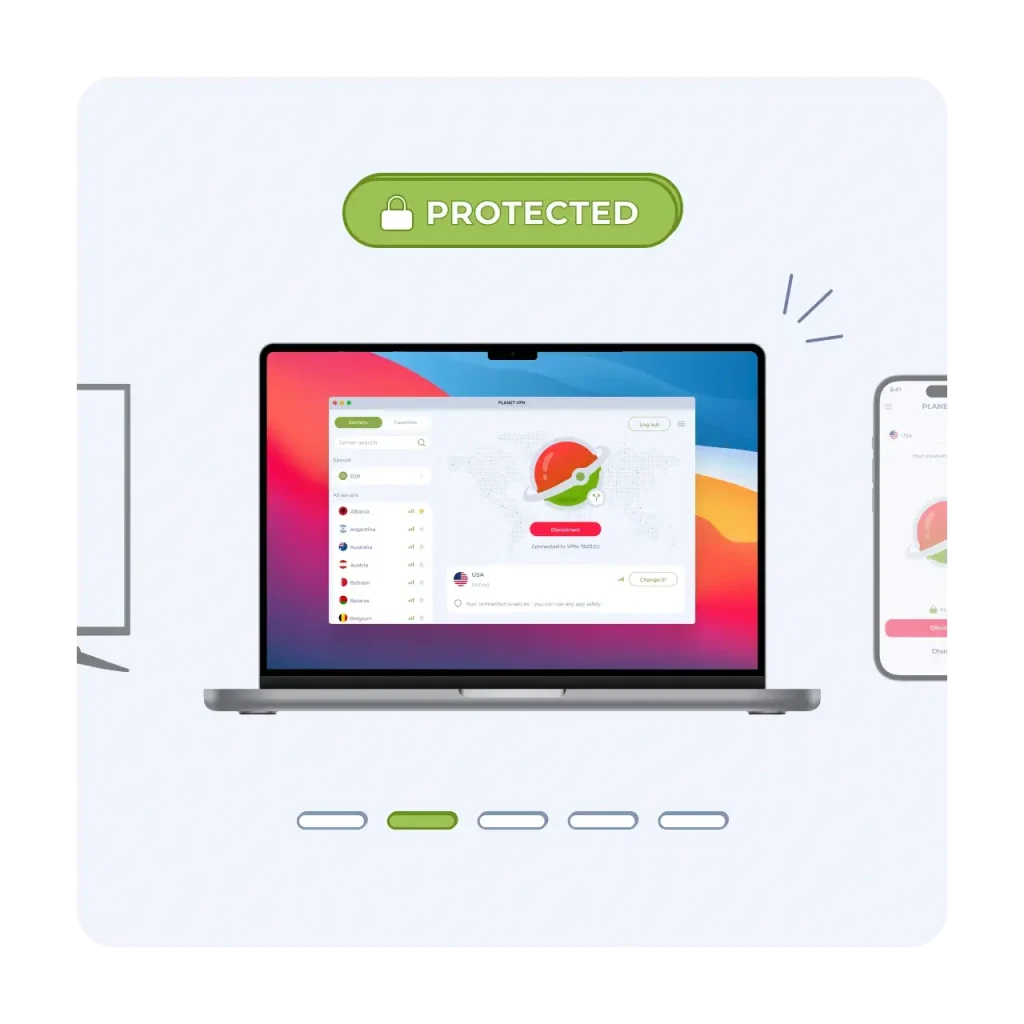
The Planet VPN app is lightweight, fast, and easy to use. Simply install Planet VPN on your Chromebook from Google Play, launch the app, and connect to a secure server in seconds.
Planet VPN provides secure internet access for Chromebook users. Whether you are studying, working online, or browsing the web, Planet VPN helps protect your connection and keeps your online activity private.
Planet VPN Advantages
Fast VPN for Chromebook
Planet VPN delivers fast and stable connections for browsing, streaming, and everyday online activities.
24/7 Customer Support
Our support team is available 24/7 to help with installation, troubleshooting, and VPN setup.
One Subscription for Ten Devices
A single subscription allows you to protect up to 10 devices simultaneously, including Chromebooks, smartphones, tablets, and computers.
Why Planet VPN Is Trusted by Millions
Worldwide
Verified & Reviewed by Trusted Review Sites

Planet VPN shines in a couple of categories. It supports torrenting and offers robust security features along with a transparent no-logs policy. Plus, its streaming capabilities and speeds have improved thanks to its new StarGuard protocol. On top of that, its free version has no traffic, bandwidth, or time limits, which is uncommon among most VPNs.

I’m pleased with Planet VPN’s transparency and no-logs policy. It does a great job at keeping users secured online. It also has a good server network and is quite user-friendly.

Planet VPN is secure and pretty fast, but it’s only good for torrenting and browsing. It includes industry-standard VPN security features like 256-bit encryption, a kill switch, a strict no-logs policy, and protection and DNS and WebRTC leaks. Planet VPN has an intuitive dashboard that is easy to navigate and allows 10 simultaneous connections.
Join the Planet VPN Community of 10+ Million
Users Worldwide





Frequently Asked Questions (FAQs)
-
What is a VPN for Chromebook?
A VPN for Chromebook is a service that encrypts your internet connection and hides your IP address. It protects your personal data, secures your connection on public Wi-Fi, and allows you to access blocked websites while using ChromeOS and the Google Chrome browser.
-
Is there a free VPN for Chromebook?
Yes. Planet VPN offers a free VPN for Chromebook with unlimited traffic and no registration required. You can install the VPN app available through Google Play on ChromeOS devices that support Android apps.
-
Can I use a VPN on a Chromebook?
Yes. Chromebooks running ChromeOS support VPN services through Google Play. Planet VPN provides a lightweight VPN for Chromebook that allows you to connect to secure servers in seconds.
-
Is a VPN safe for Chromebook?
Yes. Using a reliable VPN on a Chromebook is safe. Planet VPN protects your internet traffic with AES-256 encryption and modern VPN protocols, helping keep your activity private while browsing with Google Chrome or Android apps on ChromeOS.
-
How do I install a VPN on a Chromebook?
You can install a VPN from Google Play on ChromeOS. After installation, open the VPN, choose a server location, and connect to secure your internet connection.