

Free VPN for Samsung: Smartphones and Tablets
Download Planet VPN for Samsung and enjoy a secure, private, and unrestricted internet experience. Protect your Samsung Galaxy mobile device, hide your IP address, and access apps and content from anywhere.
- 100% free VPN for Samsung devices
- Free: 6 locations. Premium: 100+ locations.
- No logs, no registration required
- Fast connection with AES-256 encryption

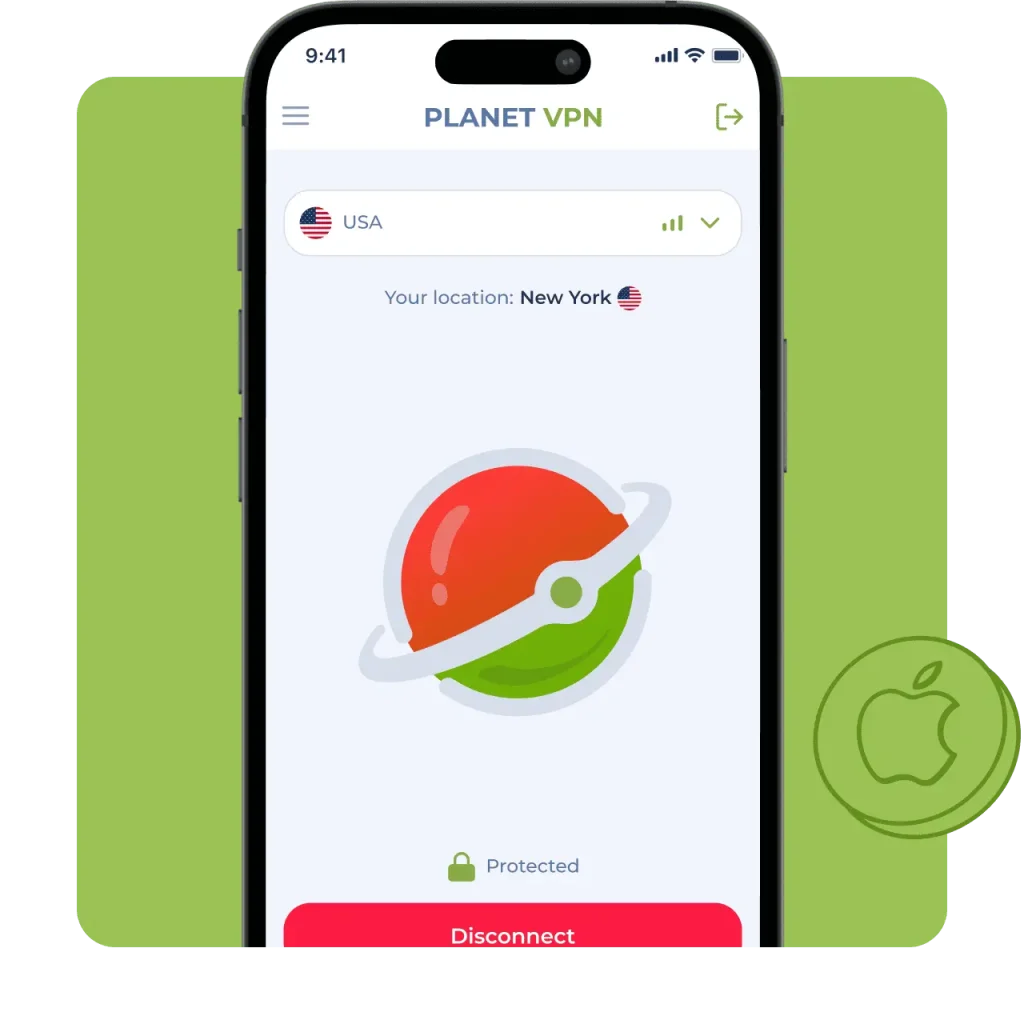
Available on All Devices and Platforms
How Our Free VPN for Samsung Works
Quick Install from Google Play
Download Planet VPN from Google Play in seconds. Optimized for Samsung Galaxy phones and mobile devices. No configuration needed — install and start using it instantly.
One‑Tap Connect
Connect instantly with a single tap on your Android device. No manual configuration needed, simple and easy to use.
Advanced VPN Protocols
Planet VPN uses secure protocols like IKEv2 and OpenVPN to protect your data and ensure safe browsing on Samsung devices. Our new StarGuard protocol further boosts speed and stability on Samsung mobile devices.
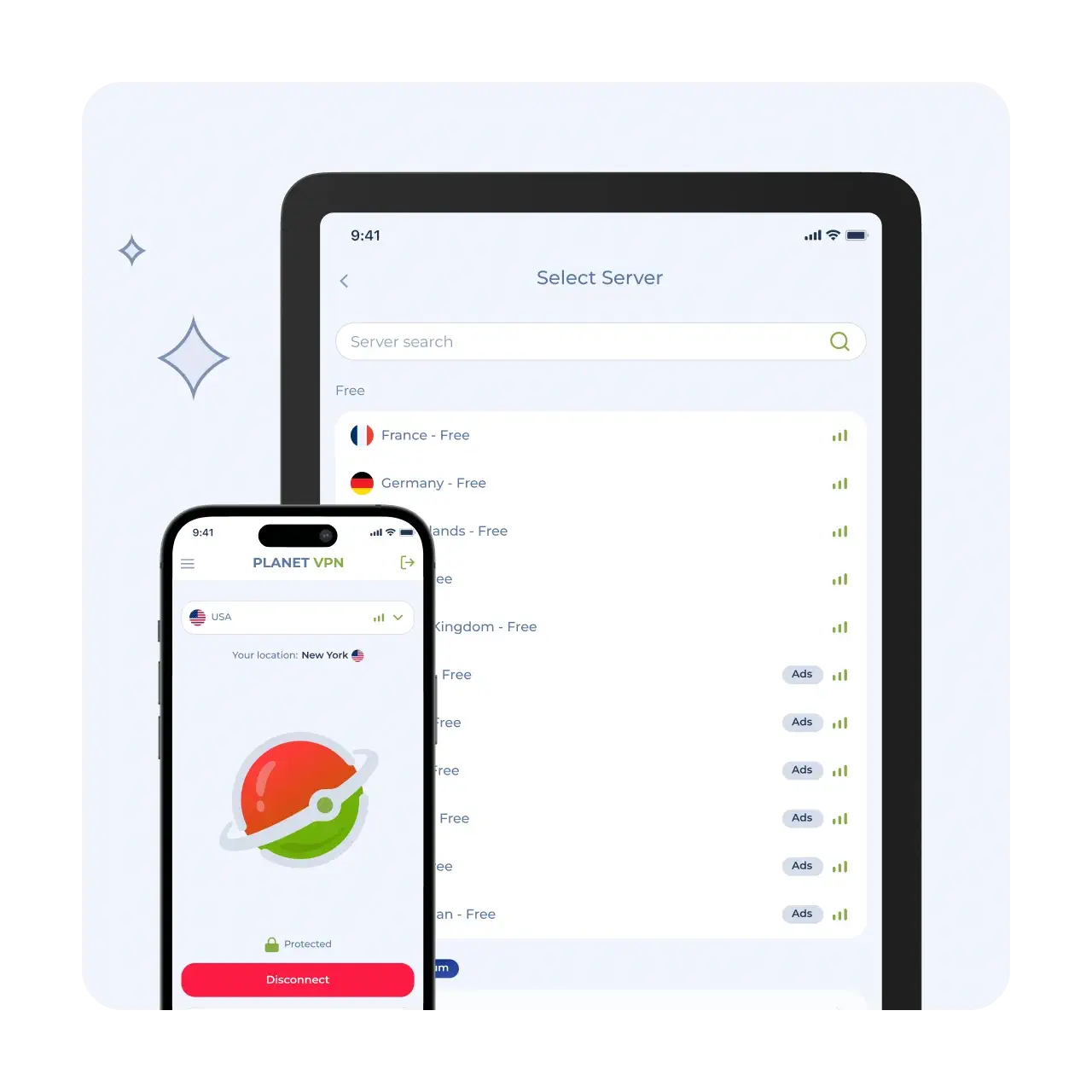
Easy Steps to Install and Use Free VPN for Samsung
Download the App
Find Planet VPN on Google Play and install it on your Samsung Galaxy phone or mobile device in seconds.
Open and Set Up
Launch the app, allow permissions, and get ready to connect, no complicated setup required.
Connect Instantly
Choose a server and tap “Connect.” Your Samsung device is now protected and private.
Why Samsung Users Trust Planet VPN
A simple and reliable way to protect your data and stay private online on your Samsung smartphone.
100% Free with No Hidden Limits
Use all features without subscriptions, speed limits, or data caps.

Secure and Private Browsing
Hide your IP address and encrypt your connection to stay safe online.
Strict No-Logs Policy
Planet VPN is based in Romania under EU privacy laws and fully complies with GDPR, ensuring strong data protection.

No Registration Required
No email, no account, just install and start using the VPN instantly.

Full Online Anonymity
Stay anonymous online and protect your identity from trackers, ISPs, and third parties while browsing on your Samsung mobile device.

Key Features for Samsung Users
A simple and reliable way to protect your data and stay private online on your Samsung mobile device.

No Registration – Connect Instantly
Start using the VPN with just one tap, no sign-up or account required.

Protection on Public Wi-Fi
Secure your data on public networks and prevent unauthorized access or potential threats.

Unlimited Bandwidth
Enjoy unlimited traffic with no hidden restrictions, speed limits, or throttling.

AES-256 Encryption & Leak Protection
Protect your data with AES-256 encryption, Kill Switch, and leak protection for a safe and stable connection.
Advantages of Planet VPN’s Premium Plan for Samsung
Choose between a free basic plan or Premium for maximum speed and features.
What’s included in the free plan:
Access to secure VPN servers, strict no-logs policy, no registration required, and unlimited usage for everyday browsing and basic protection.
Upgrade to Premium:
Easy Upgrade in the App
Upgrade in seconds directly inside the app and unlock all Premium features instantly with a simple and seamless process.

Why Planet VPN Is Trusted by Millions
Worldwide
Verified & Reviewed by Trusted Review Sites

Planet VPN shines in a couple of categories. It supports torrenting and offers robust security features along with a transparent no-logs policy. Plus, its streaming capabilities and speeds have improved thanks to its new StarGuard protocol. On top of that, its free version has no traffic, bandwidth, or time limits, which is uncommon among most VPNs.

I’m pleased with Planet VPN’s transparency and no-logs policy. It does a great job at keeping users secured online. It also has a good server network and is quite user-friendly.

Planet VPN is secure and pretty fast, but it’s only good for torrenting and browsing. It includes industry-standard VPN security features like 256-bit encryption, a kill switch, a strict no-logs policy, and protection and DNS and WebRTC leaks. Planet VPN has an intuitive dashboard that is easy to navigate and allows 10 simultaneous connections.
Highly Rated Across Trusted Platforms





Frequently Asked Questions (FAQs)
-
Is a free VPN for Samsung safe to use?
Yes. A reliable free VPN for Samsung like Planet VPN uses strong encryption and a strict no-logs policy to protect your data and keep your activity private.
-
Is registration required?
Planet VPN does not require registration or login. You don’t need an email address. Simply download the app and connect with one tap.
-
How to set up a VPN on a Samsung phone?
Download Planet VPN from Google Play, open the app, and tap “Connect.” No manual setup or configuration is required.
-
Does a VPN work on all Samsung devices?
Yes. A VPN works on Samsung smartphones, tablets, and other Android-based devices without limitations.
-
Can I use a VPN on Samsung without registration?
Yes. Planet VPN allows you to use a VPN on Samsung with no account, no email, and no personal data required.