

Free VPN for Minecraft: Stable Connection and Smooth Multiplayer
Connection issues in Minecraft can ruin your gameplay, from sudden disconnects during PVP fights to not being able to access great servers. Planet VPN for Minecraft helps stabilize your connection, reduce latency, and keep your sessions secure.
- Reduced lag and smoother multiplayer experience
- Encrypted connection for safe gameplay
- Stable connection to Minecraft servers worldwide
- Optimized servers for gaming
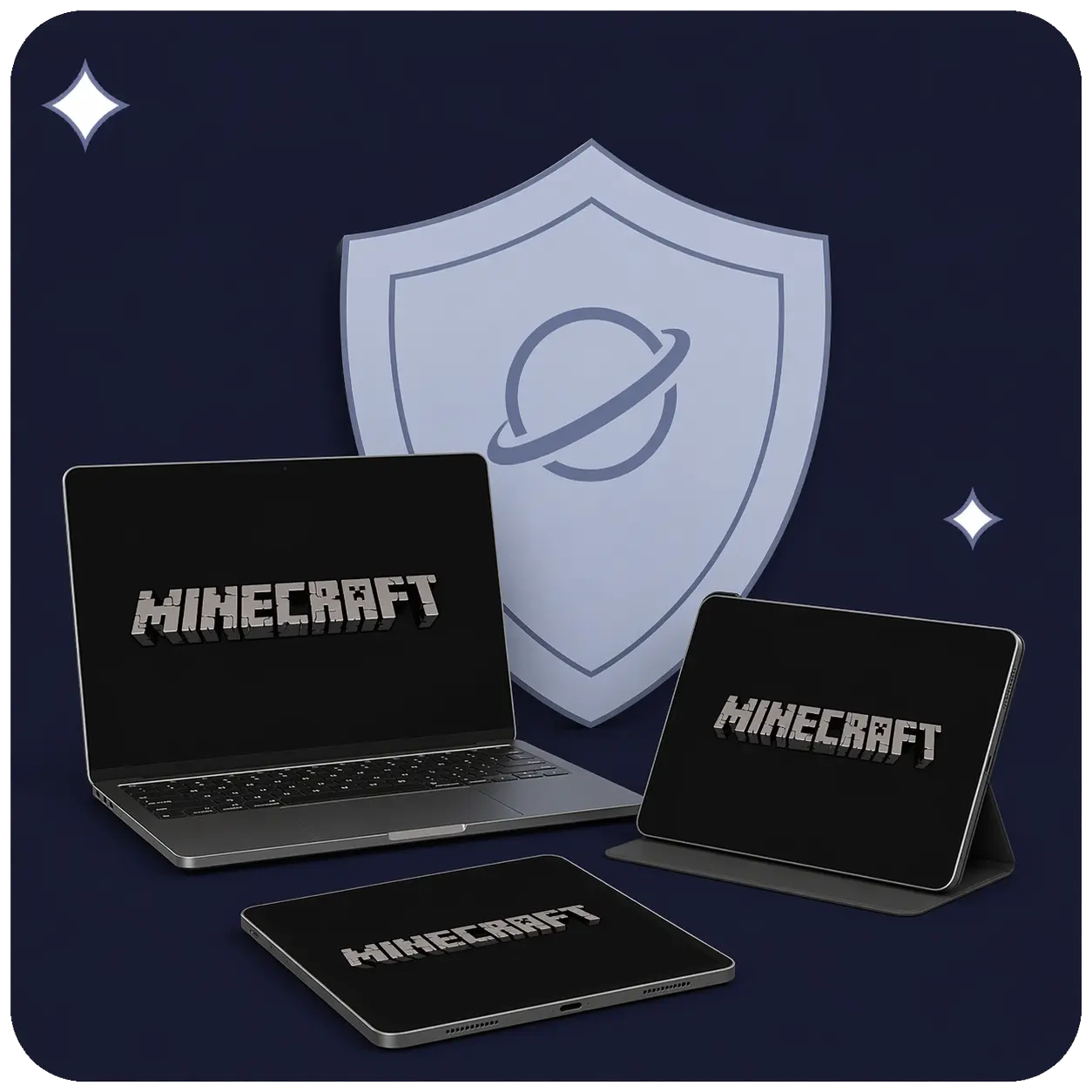
Available on All Devices and Platforms
Are you lagging or disconnecting when playing Minecraft?
High ping, server timeouts, or unstable connections can make Minecraft frustrating. Blocks don’t break properly, mobs freeze, and you may get kicked from servers unexpectedly.
These issues are often caused by poor routing, ISP congestion, or unstable Wi-Fi connections. Planet VPN helps improve connection stability and reduce lag, making your gameplay smoother and more reliable.
Why You Need a VPN for Minecraft
Minecraft performance can be affected by connection stability, especially on multiplayer servers. Network congestion or inefficient routing may cause lag spikes, rubberbanding, or unexpected disconnects during gameplay.
Planet VPN can improve how your connection reaches Minecraft servers by routing traffic through more efficient network paths. This may help keep your gameplay more stable and reduce interruptions, particularly on distant or high-traffic servers.

Before Connecting to Minecraft Servers with a VPN
Although using a VPN for Minecraft is simple, there are a few things to consider.
Server compatibility
Some Minecraft servers may have rules regarding VPN usage. Always check server policies before connecting.

Connection stability
Choose a VPN server close to your Minecraft server to avoid increased latency.

Account safety
Always use trusted VPN services like Planet VPN to avoid exposing your account credentials.
Avoid frequent server switching
Changing servers too often may interrupt your session or cause disconnections.

Risk of temporary blocks
Some servers may flag unusual IP changes. Staying on one server helps avoid interruptions.

Why do you need a VPN for Minecraft?
Minecraft multiplayer depends heavily on connection quality. Even small delays can affect gameplay, especially on busy servers.
Planet VPN lets you connect to global servers while improving routing and preventing connection instability during gameplay sessions.
How to set up Planet VPN for Minecraft
Setting up Planet VPN for Minecraft is easy and takes just a few steps.
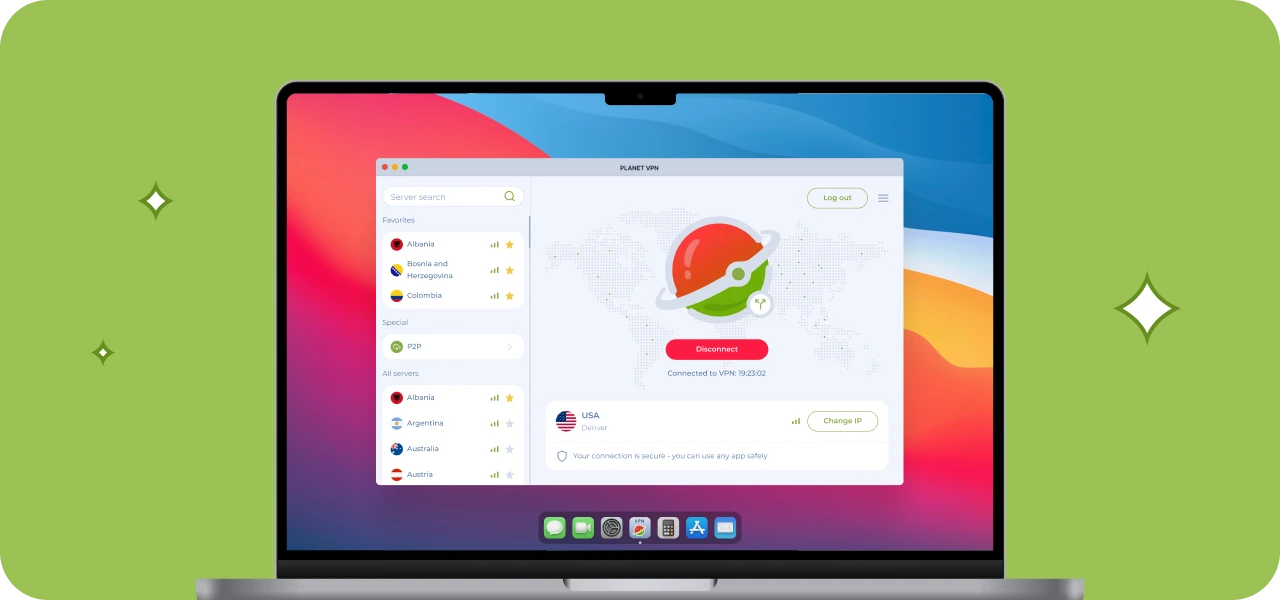
Step 1: Download the desktop app
Download the app from the official Planet VPN website or your app store, if you’re playing Minecraft on Phone/Tablet, and install it.
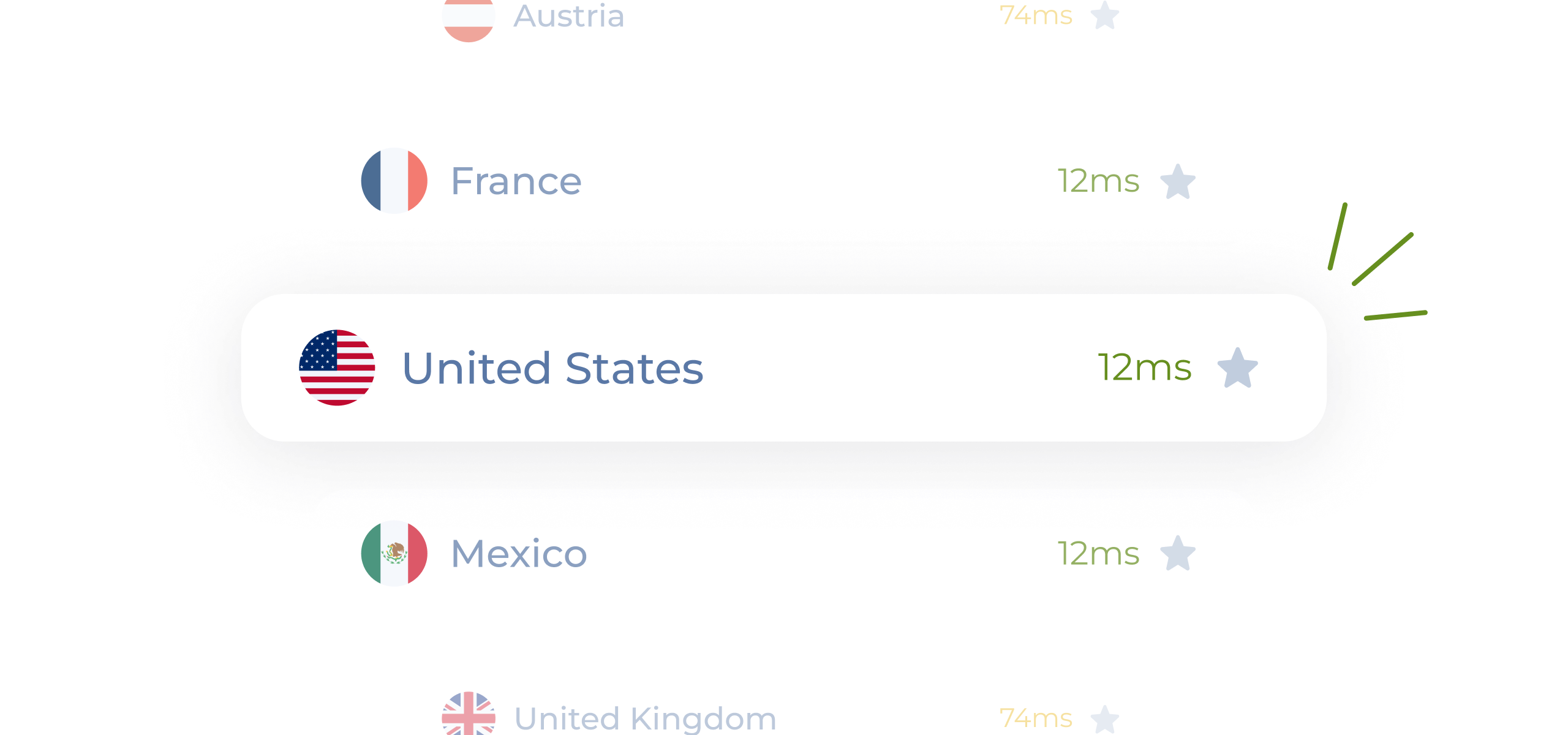
Step 2: Choose the preferred VPN server
Connect to a server close to your Minecraft server location for the best performance. With premium, you can choose from more than 1260 servers.
Step 3: Launch Minecraft
Start the game and join your server with a more stable and secure connection.

Step 4: Play without interruptions!
Enjoy smoother gameplay, fewer disconnects, and stable multiplayer sessions.

Why is Planet VPN One of the Best VPNs for Minecraft
Planet VPN offers speed and stability for Minecraft players. It’s an easy and effective solution for improving your gaming experience.

Ease of Use
The interface is simple and intuitive. Connect in one tap without complicated setup.

1260+ Servers to Choose From
Play on servers and realms worldwide and connect with friends globally without interruptions.

Speed and Optimization
Gaming-optimized servers help maintain stable ping and reduce lag in multiplayer worlds.

No Logs & Encryption
Your connection is encrypted, and your activity is not tracked thanks to a strict no-logs policy.
How Minecraft Server Access Can Vary
Access to certain Minecraft servers may depend on your location or network restrictions. Some networks or regions may limit access to specific servers or cause unstable connections.
With Planet VPN, you can connect through different regions and access servers more reliably, regardless of your location.
Planet VPN Premium is a Global Network
The premium version of Planet VPN is ideal for gamers who value low ping, high speed, and global access.

1260 servers

Double VPN

AES 256-bit encryption

Onion over VPN for router

OpenVPN, PlanetX, StarGuard, and IKEv2 protocols

Split tunneling

DNS and IP leak prevention

Killswitch
Frequently Asked Questions (FAQs)
-
Can I play Minecraft with a VPN?
Yes, you can play Minecraft with a VPN. It can help you access servers, improve routing, and protect your connection. However, some servers may block VPN traffic, so connection success depends on the server you’re joining.
-
Which VPN is best for Minecraft?
The best VPN for Minecraft is one with fast speeds, low latency, and a large server network. A reliable VPN helps reduce lag, avoid throttling, and maintain stable connections during multiplayer sessions.
-
Which VPN is 100% free?
There are free VPN options available like Planet VPN. For even better and stable Minecraft gameplay, a premium Planet VPN plan can usually provide better performance and fewer interruptions.
-
Is VPN bannable in Minecraft?
Using a VPN is not typically bannable by Minecraft itself. However, many multiplayer servers block or restrict VPN users to prevent abuse, so you may be kicked or unable to join certain servers.