

Free VPN for CS2: Stable Connection and Smooth Competitive Play
Connection issues in CS2 can cost you rounds, from rubber-banding during gunfights to getting dropped from matches entirely. Planet VPN for Counter Strike 2 helps stabilize your connection, reduce latency, and keep your sessions secure.
- Reduced lag and smoother multiplayer experience
- Encrypted connection for safe gameplay
- Stable connection to CS2 servers worldwide
- Optimized servers for gaming

Available on All Devices and Platforms
Are you lagging or disconnecting when playing CS2?
High ping, server timeouts, or unstable connections can make CS2 unplayable. Shots don’t register properly, movement stutters, and you may get dropped from competitive matches at the worst possible moment.
These issues are often caused by poor routing, ISP congestion, or unstable Wi-Fi connections. Planet VPN helps improve connection stability and reduce lag, making your gameplay smoother and more reliable.

Why You Need a VPN for CS2
Planet VPN improves routing between your device and CS2 servers, helping reduce lag and prevent random disconnects.
Planet VPN also encrypts your traffic and can route your connection through less congested paths, helping keep your account and personal data secure while maintaining a more stable experience during high-traffic gaming sessions.

Before Connecting to CS2 Servers with a VPN
Although using a VPN for CS2 is simple, there are a few things to consider
Server compatibility
Some CS2 servers and regions may have restrictions regarding VPN usage. Always check server and matchmaking policies before connecting.

Connection stability
Choose a VPN server close to your CS2 matchmaking region to avoid increased latency and hit registration issues.

Account safety
Always use trusted VPN services like Planet VPN to avoid exposing your Steam account credentials.

Avoid frequent server switching
Changing VPN servers too often may interrupt your session or cause disconnections mid-match.

Risk of temporary blocks
Some servers may flag unusual IP changes. Staying on one VPN server helps avoid interruptions during competitive play.

How a VPN Enhances Your CS2 Experience
CS2 competitive play depends heavily on connection quality. Even small spikes in latency can affect shot registration, movement, and your overall performance in ranked matches.
Planet VPN lets you connect to global servers while improving routing and preventing connection instability during matches and tournaments.

How to set up Planet VPN for CS2
Setting up Planet VPN for CS2 is easy and takes just a few steps.
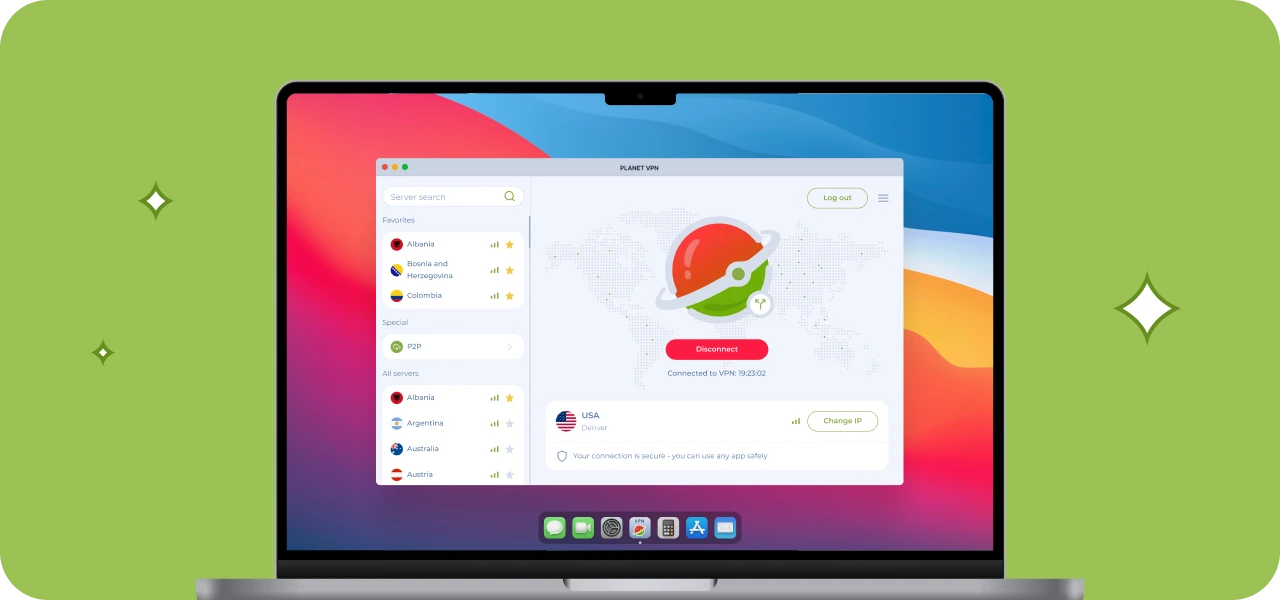
Step 1: Download the desktop app
Download the app from the official Planet VPN website or your app store and install it on your device.
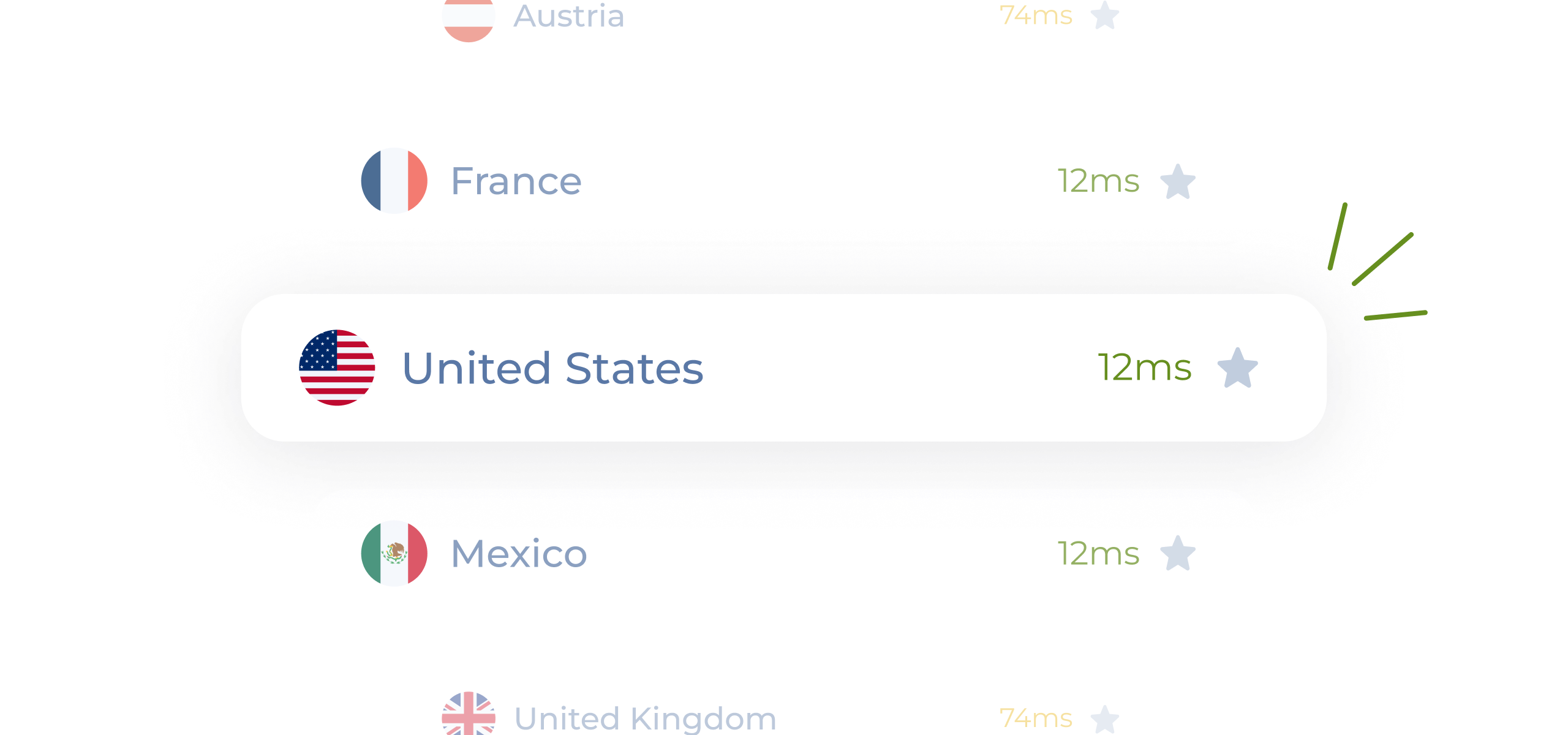
Step 2: Choose the preferred VPN server
Connect to a server close to your CS2 matchmaking region for the best performance. With premium, you can choose from more than 1260 servers.
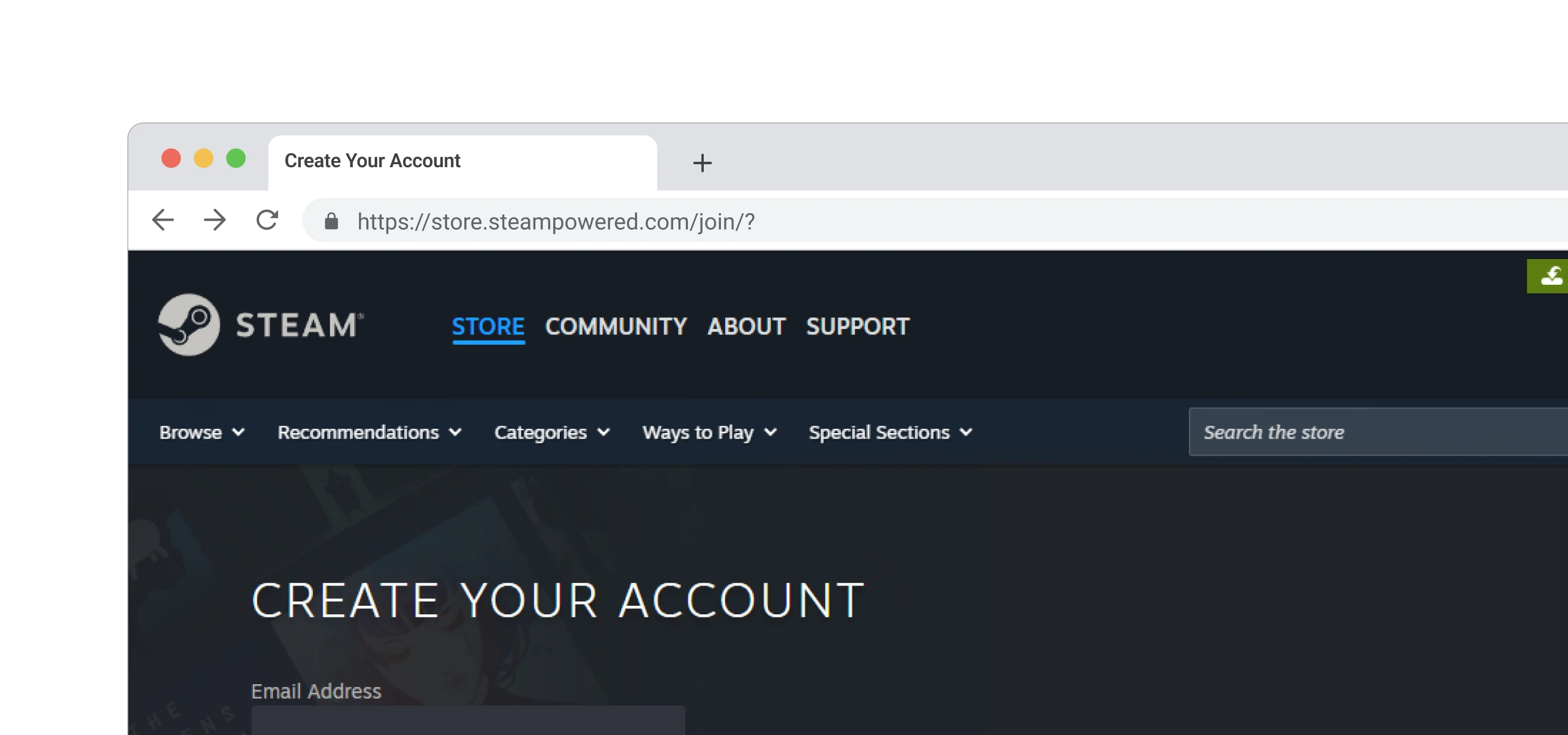
Step 3: Launch CS2
Start the game and join your match with a more stable and secure connection.
Step 4: Play!
Enjoy smoother gameplay, fewer disconnects, and stable competitive sessions.

Why Planet VPN Is One of the Best VPNs for CS2
Planet VPN offers the speed and stability CS2 players need. It’s a simple and effective solution for improving your competitive experience.

Ease of Use
The interface is simple and intuitive. Connect in one tap without complicated setup.

1260+ Servers to Choose From
Play on servers worldwide and connect with friends globally.

Speed and Optimization
Gaming-optimized servers help maintain stable ping and reduce lag during competitive matches.

No Logs & Encryption
Your connection is encrypted, and your activity is not tracked thanks to a strict no-logs policy.
How CS2 Server Access Can Vary
Access to certain CS2 matchmaking regions may depend on your location or network restrictions. Some networks or regions may limit access to specific servers or cause unstable connections.
With Planet VPN, you can connect through different regions and access CS2 servers more reliably, regardless of your location.

Planet VPN Premium is a Global Network
The premium version of Planet VPN is ideal for gamers who value low ping, high speed, and global access to games.

1260 servers

Double VPN

AES 256-bit encryption

Onion over VPN for router

OpenVPN, PlanetX, StarGuard, and IKEv2 protocols

Split tunneling

DNS and IP leak prevention

Killswitch
Frequently Asked Questions (FAQs)
-
Which VPN is best for CS2?
The best VPN for CS2 is one with fast speeds, low latency, and a large server network. A reliable VPN helps reduce lag, avoid ISP throttling, and maintain stable connections during competitive matches.
-
Can I play CS2 with a VPN?
Yes, you can play CS2 with a VPN. It can help you access regional servers, improve routing, and protect your connection. Keep in mind that Valve’s terms of service should always be followed, and using a reputable VPN like Planet VPN is strongly recommended.
-
Which VPN is 100% free?
There are free VPN options available like Planet VPN. For even better and more stable CS2 gameplay, a premium Planet VPN plan can provide faster performance, more server options, and fewer interruptions.
-
Is using a VPN bannable in CS2?
Valve does not explicitly ban VPN usage in CS2, but using one to manipulate matchmaking regions or evade bans may result in account penalties. Using Planet VPN for legitimate purposes such as reducing lag and protecting your connection is generally safe.