

Free VPN for Crypto: Private, Encrypted Trading Sessions
Your exchange login, your wallet app, your portfolio tracker — crypto puts a lot of value behind one connection. Planet VPN is a free VPN for crypto traders that encrypts that connection, so your session stays private on café Wi-Fi, hotel networks, and your own home line.
- AES-256 encryption on every session
- Kill Switch cuts your traffic if the VPN drops
- No activity logs, ever
- 6 free locations, no registration
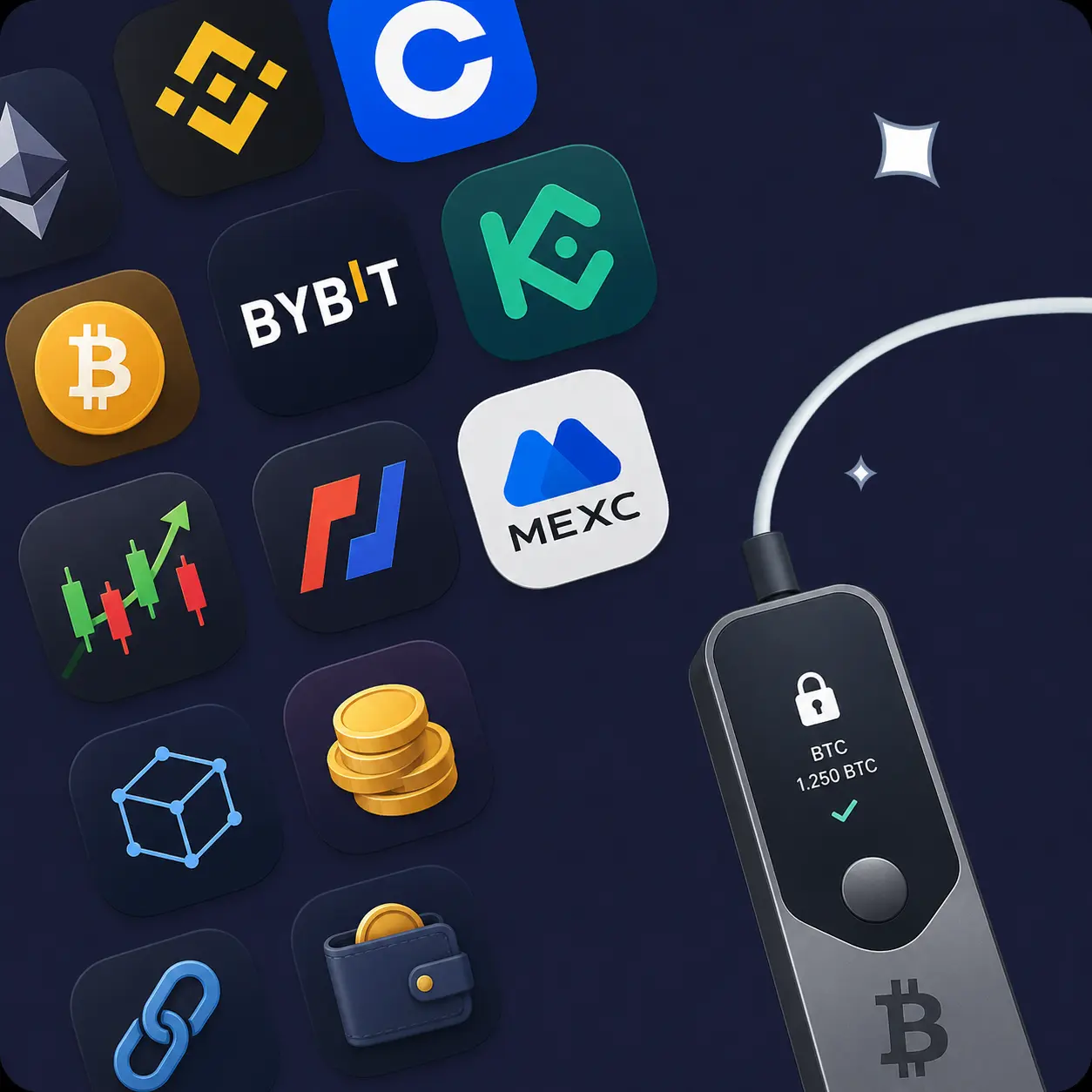
Available on All Devices and Platforms
Works on Every Device You Trade From
Planet VPN runs on Windows, macOS, Linux, Android, and iOS, with browser extensions for Chrome, Edge, Opera, and Firefox. Trade on the free servers, or move to Premium for more locations and higher speeds.
Router support covers the rest of your setup. Desktop wallets, hardware wallet bridges, and devices without their own VPN app all stay protected through one connection.

Why Choose Planet VPN for Crypto?

Encryption on every session
Planet VPN applies AES-256 encryption to your traffic. Exchange logins, wallet activity, and price checks travel through a protected tunnel, unreadable to anyone else on the network.

A strict no-logs policy
We don’t record what you do online. Our servers run on RAM only, so session data disappears the moment you disconnect. There’s no history to leak or hand over.

Kill Switch for volatile moments
If the VPN connection drops mid-trade, the Kill Switch cuts your internet instead of quietly falling back to an unprotected line. Your session doesn’t continue without protection.

Privacy from your internet provider
Your provider can see which services you connect to. With Planet VPN, it sees encrypted traffic to a VPN server — not which exchange you use, and not how often you check it.

A steady connection
Markets move quickly, and a dropped session at the wrong moment is frustrating. Planet VPN keeps your connection stable, so charts load and confirmations come through without long stalls.

24/7 support
Our team is available around the clock for setup questions, connection issues, or help picking the right server.
Common Ways Traders Use a VPN
Crypto accounts are a popular target, and most attacks start with the network rather than the exchange. Here’s where a VPN makes the biggest difference.

On public Wi-Fi
Airports, hotels, co-working spaces. Open networks are easy to snoop on, and a login screen is the worst place to take chances. Planet VPN encrypts the session before it leaves your device.

While travelling
Connect through a server in the country your account is registered in. Your connection stays consistent, and you avoid the security alerts that sudden IP changes tend to trigger.

Keeping portfolio activity private
Price checks, exchange visits, wallet syncs — the pattern says something about what you hold. Encryption keeps that between you and the service.
Running wallets and nodes at home
Set Planet VPN up on your router and everything behind it is covered, including desktop wallets and node software that have no VPN app of their own.
GameFi and play-to-earn sessions
Play-to-earn accounts hold real value, and gaming networks see plenty of network-level attacks. A VPN keeps your game connection encrypted and your linked wallet session private while you play.

Set Up Planet VPN in 3 Steps
Download Planet VPN
Install the app from the official website or your app store.
Connect to a server
Pick a location — ideally the country your exchange account is registered in.
Open your exchange or wallet
Log in as usual. Your session is encrypted from the first tap.
Free VPN for Popular Crypto Exchanges

Free VPN for Binance
Binance handles serious sums, so the login is worth protecting. Planet VPN encrypts your session on any network you connect from. Binance ties each account to a verified country of residence — connect through a server in that country, since using a VPN to appear somewhere else goes against its terms.

Free VPN for Coinbase
Coinbase watches closely for unusual login locations. Pick one Planet VPN server in your own country and stay on it: your session stays encrypted and your login pattern stays predictable. The Coinbase user agreement asks you to report your location accurately, so don’t use a VPN to change it.
Free VPN for Bybit
Derivatives traders spend long stretches on charts, often on the move. Planet VPN keeps that connection encrypted and steady, and the Kill Switch protects you if the tunnel fails mid-position. Bybit restricts several countries, and a VPN doesn’t change your eligibility.
Free VPN for KuCoin
KuCoin sees a lot of mobile trading. The Planet VPN Android and iOS apps encrypt those sessions on hotel and café Wi-Fi in a couple of taps. Stay on a server in your registered country so verification and withdrawals run smoothly.

Free VPN for BitMEX
High leverage leaves no room for a shaky connection. Planet VPN adds encryption plus a Kill Switch, so a failed tunnel cuts traffic instead of leaving your session exposed. BitMEX bars users from several jurisdictions — a VPN is not a way around that.
Free VPN for MEXC
New listings mean plenty of jumping between charts, socials, and the exchange itself. Planet VPN encrypts all of it under one connection, on desktop or mobile. As always, use a server in the country your account belongs to.
Why You Need a VPN for Crypto
Crypto is one of the few things you own that can move in seconds, with no bank to call afterwards. That makes the network you trade on part of your security setup. A VPN encrypts your traffic between your device and the server, so nobody on the same Wi-Fi can read your session, and your internet provider can’t build a picture of your financial habits.
Planet VPN adds the pieces that matter for trading: AES-256 encryption, a Kill Switch for dropped connections, DNS and IP leak protection, and RAM-only servers that keep nothing after you disconnect. The free plan covers 6 locations with no time or traffic limits and no sign-up.
Planet VPN Premium is a Global Network
Premium is for traders who want more locations, higher speeds, and extra privacy layers.

1260+ servers

Double VPN

256-bit encryption

Onion over VPN

OpenVPN, StarGuard, and IKEv2 protocols

Split tunneling

DNS and IP leak protection

Kill Switch
Frequently Asked Questions (FAQs)
-
Should you use a VPN for crypto?
For security, yes. A VPN encrypts your connection, which matters most on public Wi-Fi and shared networks where logins and session data are easiest to intercept. It also keeps your internet provider from seeing which exchanges and wallets you use. What a VPN shouldn’t be used for is changing where an exchange thinks you are — that’s a terms-of-service problem, not a security win.
-
Can the FBI track a VPN?
A VPN hides your traffic from the network, not from every form of investigation. Law enforcement can approach a VPN provider with a legal request, and in most crypto cases they don’t need to: exchanges hold KYC records, and blockchain activity is public and traceable. Planet VPN runs a strict no-logs policy on RAM-only servers, so there’s no session history to produce. That’s honest privacy — not invisibility.
-
Is it illegal to use VPN on Coinbase?
Using a VPN is legal in most countries, and Coinbase doesn’t block VPN traffic outright. The issue is the user agreement, which asks you to give accurate information about where you are. Connecting through a server in your own country for security is a normal thing to do. Using one to look like you’re in a supported country when you’re not can get your account restricted or frozen. Check your local rules if you’re unsure.
-
Is Binance banned for VPN?
Binance doesn’t ban VPNs as such — plenty of users connect through one for privacy. What its terms prohibit is using a VPN to get around country restrictions or to register somewhere you don’t actually live. If Binance sees an account logging in from a country it doesn’t serve, it can suspend the account and hold the funds. Stick to a server in your registered country.
-
Can Binance detect a VPN?
Often, yes. VPN servers use data-centre IP addresses, and those ranges are catalogued and easy to recognise. Binance also looks at login patterns — a session from one continent followed by another a few minutes later stands out. On top of that, KYC ties your account to a verified address, so the IP is only part of the picture. A VPN is a tool for protecting your connection, not for changing your location on paper.