

VPN for Kodi: Private, Stable Streaming on Every Device
Kodi is a free, open-source media player, and your add-ons fetch streams from all over the web. Planet VPN encrypts that traffic and masks your IP address, so your internet provider and others on your network can’t see what you play. A steady VPN connection can also help when your provider slows down video streams.
- 6 free locations in 5 countries
- 1,260+ servers in 100+ locations with Premium
- No traffic or time limits on desktop
- Strict no-logs policy
Use Kodi and Planet VPN on All Your Devices
Key Features of Planet VPN for Kodi
Upgrade to Premium anytime for full speed, no ads and more server locations.
Benefits of Using a VPN for Kodi

Keep Your Viewing Private
Your provider can see which sites and services your device connects to. Planet VPN hides that list, and our strict no-logs policy means we don’t store it either.

Smoother Playback for Add-Ons
A stable, encrypted connection helps your add-ons load streams without your provider getting in the way. If you also use Stremio, see our VPN for Stremio.

Protection on Every Network
Take your Fire TV Stick or laptop on holiday and plug into any network. Planet VPN encrypts your connection on hotel, airport and café Wi-Fi.

One Account for the Whole Home
Premium covers up to 10 devices on one subscription, so your living room box, phone and laptop can all stay protected.
Is Kodi Not Working?
Kodi problems often come from a broken add-on, a full cache or an outdated version. Sometimes your network or provider blocks the source an add-on needs, so the stream won’t start.
Connect Planet VPN, then restart Kodi and try the stream again. If it still fails, update Kodi and your add-ons, clear the cache, or switch protocol in the app (StarGuard, OpenVPN or IKEv2).
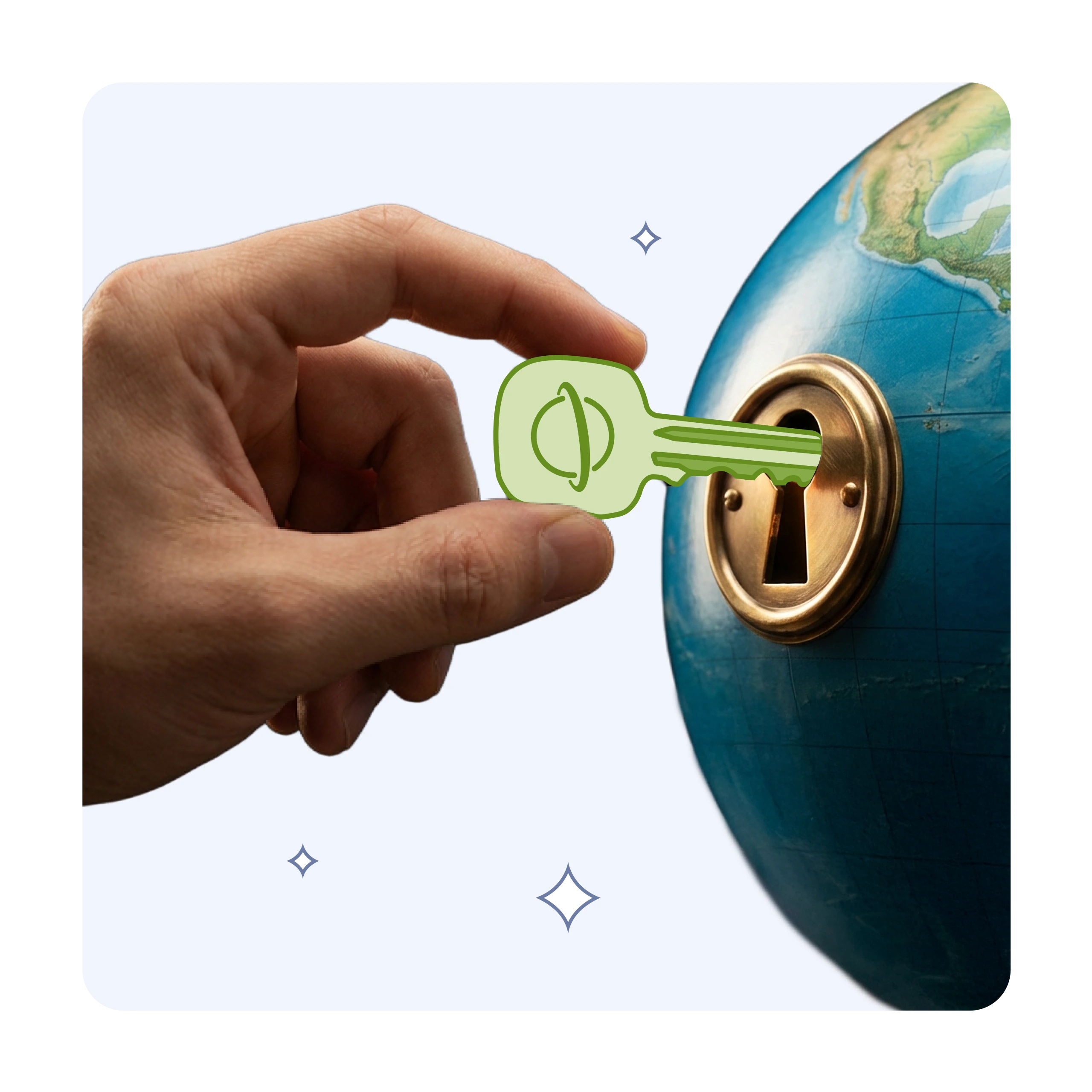
Stream on Kodi Privately with Planet VPN
With Planet VPN, your Kodi streams travel through an encrypted, private connection. Connect to a nearby server and watch with peace of mind on any network.
Please only stream content you have the right to watch. Planet VPN protects your privacy, and it doesn’t change the rules for any add-on or source.
How to Set Up a VPN for Kodi in 3 Steps
Download Planet VPN
Get the app from the official Planet VPN website or your device’s app store. On Fire TV, install the Android app.
Connect to a Server
Open the app and pick a server near you for the best speed. Tap Connect and wait a few seconds.
Open Kodi
Launch Kodi and play your film or channel as usual. Your streams now run through the VPN.
Why Planet VPN Premium Is Better for Kodi
Global Server Network
Get 1,260+ servers in 100+ locations. More choice helps you find a fast, stable server for HD and 4K streams.
Ad-Free and Full Speed
Watch Kodi without VPN ads. Premium gives you full connection speed for smooth playback on every device.
24/7 Customer Support
Get help with setup or connection questions at any time. Premium users get priority support.
Frequently Asked Questions (FAQs)
-
Do I need a VPN for Kodi?
Kodi works without a VPN. A VPN adds privacy: it encrypts your traffic and hides your IP address from the add-on sources you connect to. It also stops your provider from seeing which streams you open.
-
Is Kodi legal?
Yes. Kodi is free, open-source software from the XBMC Foundation. What matters is the content you stream. Some third-party add-ons offer material without the right licences, so stick to legal add-ons and sources.
-
Can I use a free VPN with Kodi?
Yes. Planet VPN Free gives you 6 locations in 5 countries with no traffic limits on desktop. On mobile and Android TV devices, each free connection lasts 2 hours, and you can reconnect anytime. For long HD sessions, Premium gives you full speed and no ads. Read more about our VPN for streaming.
-
Will a VPN slow down Kodi?
Any VPN adds a small step to your connection. Pick a server close to you for the best speed. If your provider throttles video, a VPN can even make playback smoother.