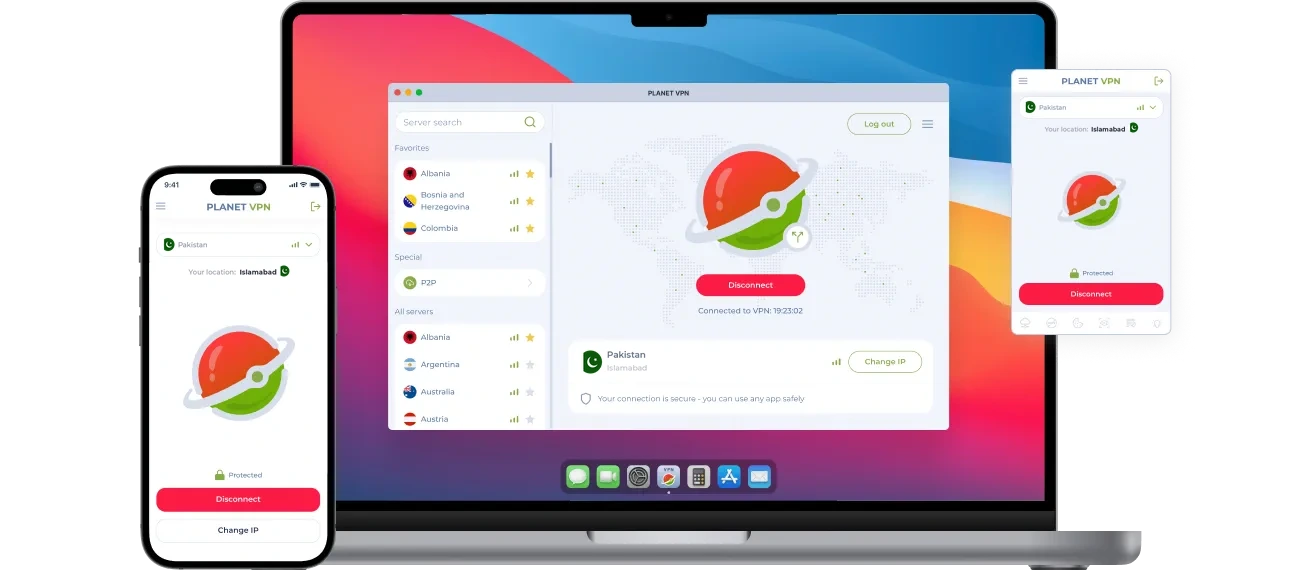
VPN Pakistan – Get a Pakistani IP in a Few Clicks
Planet VPN’s Pakistan server gives you a Pakistani IP address and encrypts what you send online. Use it abroad to follow cricket and local news, or at home to keep your browsing private on shared networks.
- Pakistani IP address on all your devices
- Encrypted connection on café and airport Wi-Fi
- Steady connection for live cricket and family video calls
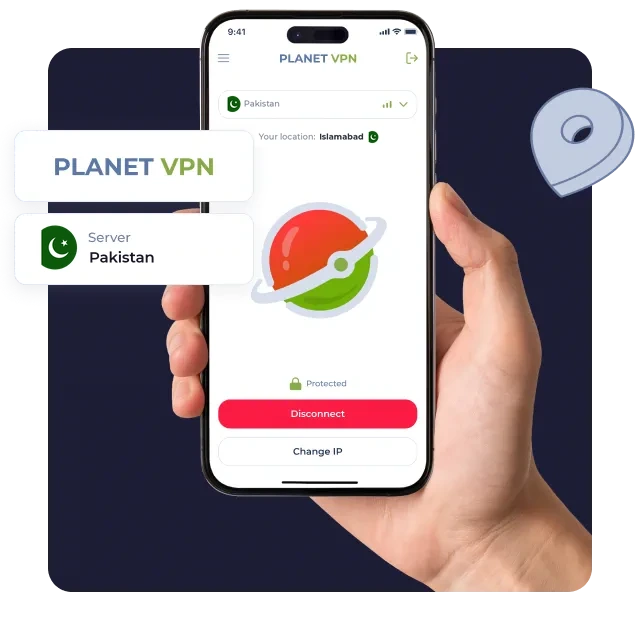
How to use a VPN with a Pakistan server
Download Planet VPN
Tap “Get Pakistani server” and install Planet VPN on your computer, phone, or browser.
Installation depends on your device
Set it up in seconds. Zero tech skills needed.
Choose Pakistan
Open the app, find Pakistan in the server list, and tap Connect.
What a Pakistan VPN Server Is Good For
Pakistanis abroad often want the same apps and sites they use at home. A VPN to Pakistan gives you a local IP for them, and your traffic stays encrypted on the way.

Follow PSL and Local News
Read Dawn and Geo News and keep up with cricket scores on Pakistani sports sites.

Shop on Daraz.pk
Browse local prices and send gifts to family in Pakistan with a Pakistani IP.

Watch Pakistani Dramas
Stream dramas and talk shows on Tamasha or Tapmad, where the service is available.

Handle NADRA and FBR Online
Use nadra.gov.pk for ID services and file tax returns on the FBR portal while you’re overseas.

Bank Over an Encrypted Connection
Your banking app’s traffic stays encrypted, even on hotel or airport Wi-Fi.

Pakistan VPN Server Features
Planet VPN Premium includes the Pakistan server. These are the features you’ll use most:
- Steady connection: Live matches and HD dramas load with less buffering.
- Up to 10 devices: Cover the whole family with one subscription.
- Strict no-logs policy: We don’t keep records of the sites you visit.
- Split tunneling: On Windows, macOS, and Android, send only the apps you choose through Pakistan.
Stay Connected to Pakistan While You’re Abroad
Studying in Manchester or working in Dubai? Switch to the Pakistan server and use your local apps with a Pakistani IP address.