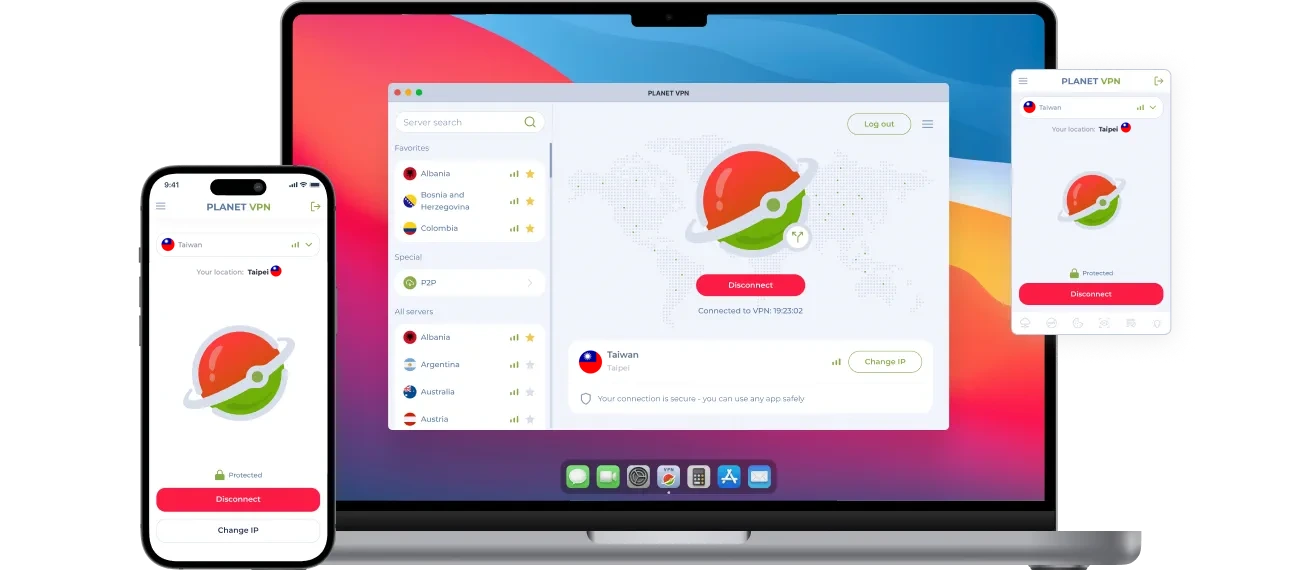
VPN Taiwan – Private Browsing With a Taiwanese IP
Living outside Taiwan doesn’t mean leaving local services behind. Connect to Planet VPN’s Taiwan server to get a Taiwanese IP address, with your traffic encrypted from your device to the server.
- Taiwanese IP address in one tap
- Encryption for logins and card payments
- Split tunneling on Windows, macOS, and Android
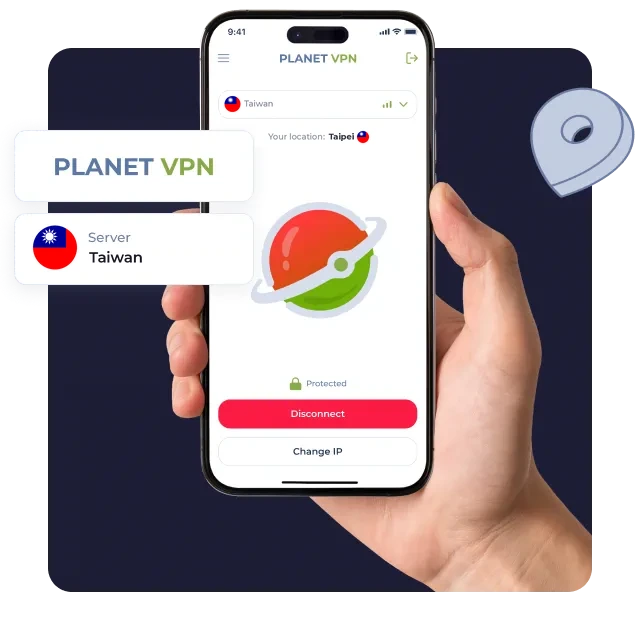
Set up a Taiwan VPN server in three steps
Download Planet VPN
Hit “Get Taiwanese server” to download Planet VPN. Apps are available for desktop, mobile, and major browsers.
Installation depends on your device
Set it up in seconds. Zero tech skills needed.
Pick Taiwan
Select Taiwan in the location list and tap Connect. Taiwanese sites now see a local IP.
What You Can Do With a Taiwan VPN
Some Taiwanese platforms check your location at login or checkout. With a Taiwanese IP, you connect the way a local user does.

Read udn and Liberty Times
Follow Taiwanese news on udn.com and ltn.com.tw in traditional Chinese.

Order From momo and PChome
See local prices on momoshop.com.tw and PChome 24h and ship gifts to family.

Catch Up on Taiwanese Dramas
Stream series on myVideo, Hami Video, or CATCHPLAY+ where your subscription allows.

File Taxes on eTax
Submit your income tax return on the eTax portal and use gov.tw services during filing season.

Play on Taiwan Game Servers
Join friends on Taiwan-region game servers with a steady, encrypted connection.

What the Taiwan VPN Server Includes
The Taiwan location comes with Planet VPN Premium, along with tools that make daily use easier:
- Split tunneling: Send only your browser through Taiwan and keep other apps on your normal connection (Windows, macOS, Android).
- Smart filter: Block ads and harmful sites right in your browser.
- No-logs policy: Planet VPN doesn’t track or store your browsing.
- No ads: Premium removes ads from the app.
Taiwanese Content, Wherever You Live
The Taiwan server keeps your local accounts within reach when you move or travel. Connect, and use Taiwanese sites with a private IP address.