

VPN for Eporner: Private, Steady HD and 4K Viewing
Eporner is a free video site with long HD and 4K videos that you can stream or download. Planet VPN encrypts your connection, so your internet provider sees that you’re online, but not that you’re on Eporner. Looking for other platforms? Start with our VPN for adult sites guide.
- Keep Eporner visits private from your ISP
- Fewer stalls on long 4K videos
- Encrypted downloads on public Wi-Fi
- Ad and tracker blocking in the Premium extension

Protect Eporner on Your Phone, Laptop and Browser
Key Features of Planet VPN for Eporner
Try it free on 6 locations in 5 countries. Upgrade to Premium for 100+ locations, full speed and no ads.
Benefits of Using a VPN for Eporner

Keep Your Viewing Off Your ISP’s Records
Your internet provider can log the sites you visit. Planet VPN sends your traffic through an encrypted tunnel, so Eporner doesn’t appear in that log. We keep a strict no-logs policy, so we don’t store your activity either.

Discretion on a Home Router
Many home routers and provider apps list the sites each device visits. With Planet VPN on, your device shows only a VPN connection. What you watch stays on your own screen.

One Setup for Other Video Sites
You don’t need a new setup for every site. Once Planet VPN is on, each site you open uses the same encrypted connection. See how it works on another long-video site in our VPN for XVideos guide.

Check the Rules When You Travel
On a trip, Planet VPN encrypts the hotel and airport Wi-Fi you join. Some countries restrict adult sites or require age checks by law. Check the rules where you’re going. A VPN doesn’t change them.
Is Eporner Not Working?
Eporner can buffer, load slowly or fail to start a video when your network is busy or your signal is weak. In some countries, adult sites are restricted by law or need an age check, so you may see a notice instead of the video.
If videos stall with the VPN on, switch the protocol to StarGuard, OpenVPN or IKEv2 and pick a server near you. Lower the quality from 4K to 1080p and clear your browser cache. If Eporner is restricted where you are, follow local law and the site’s terms. Planet VPN doesn’t change them.

Watch Eporner Privately with Planet VPN
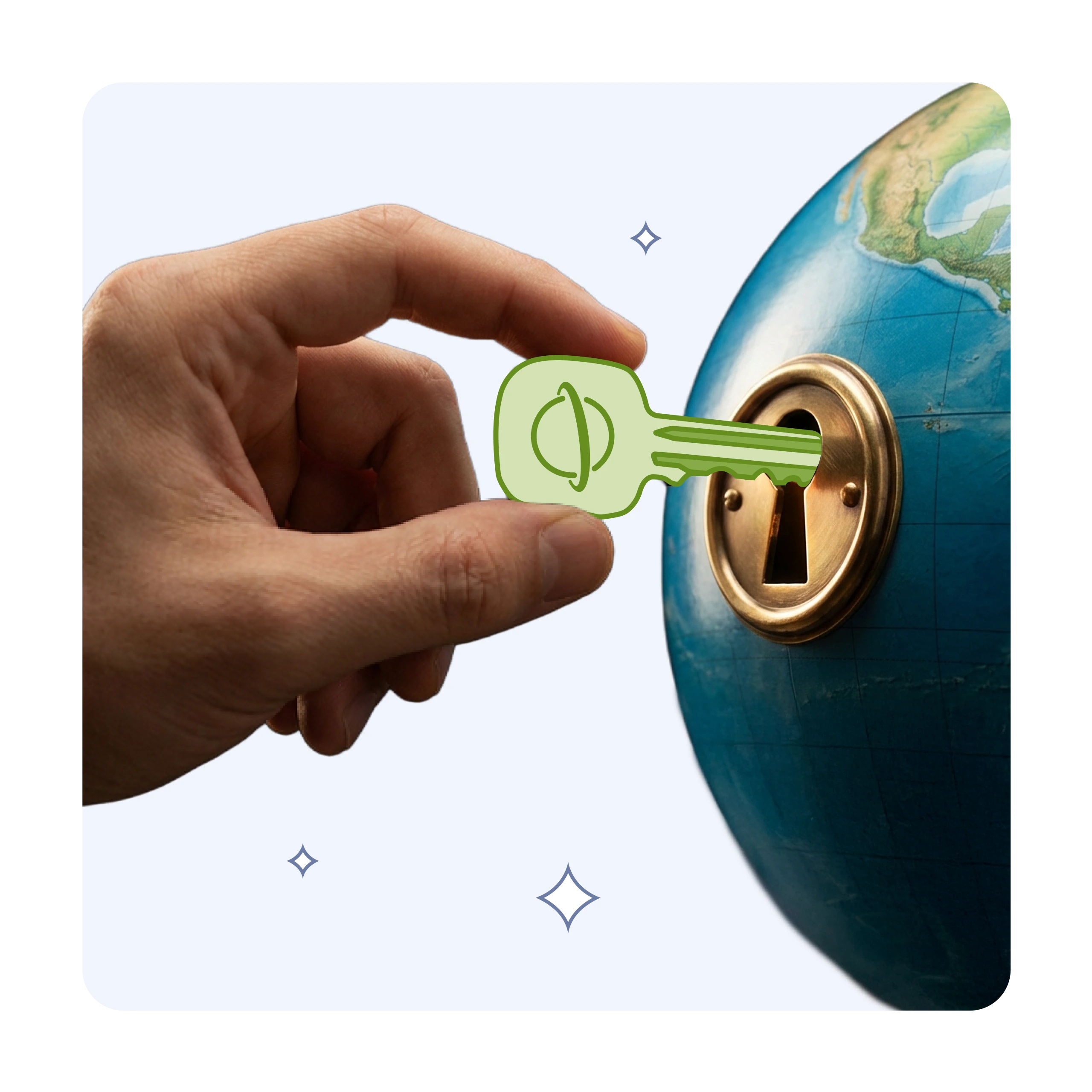
Turn on Planet VPN, open Eporner and stream or download as usual. Your traffic travels through an encrypted tunnel. Watch mostly on your phone? Our VPN for SpankBang guide has tips for private mobile viewing.
Eporner is for adults 18 and over. Planet VPN protects your privacy, but it doesn’t change age checks, local laws or the site’s terms. Follow them wherever you are.
How to Set Up a VPN for Eporner in 3 Steps
Download Planet VPN
Get the app from the official Planet VPN website or your device’s app store, or add the browser extension. On Android and iOS, the free plan needs no sign-up.
Pick a Nearby Server
Choose a location close to you. A short route helps long HD and 4K videos load faster.
Open Eporner
Connect, then open Eporner in your browser. Stream or download as usual, now over an encrypted connection.
Why Planet VPN Premium Is Better for Eporner
Full Speed for 4K Files
Premium gives you full connection speed and no VPN ads. It also removes the 2-hour limit on mobile. Plans start from $3.99/mo.

Smart Filter Against Pop-Ups
The Premium browser extension adds Smart Filter. It blocks ads, trackers and known threats in your browser, so free video sites feel cleaner and load less junk.
1,260+ Servers in 100+ Locations
Pick a server near you from 1,260+ servers in 100+ locations. Premium covers up to 10 devices at once and gets priority 24/7 support.
Frequently Asked Questions (FAQs)
-
Is Eporner safe to use?
Eporner is a free site that shows ads from third-party networks, and some ads can lead to unsafe pages. Skip pop-ups and don’t install anything a page asks you to. Planet VPN encrypts your connection, and the Smart Filter in the Premium browser extension blocks many ads and known threats. Keep your browser up to date too.
-
Does a VPN hide Eporner from my internet provider?
Yes. With Planet VPN on, your provider sees an encrypted connection to our server, not the sites you open. We follow a strict no-logs policy, so we don’t track or store your activity either. Your browser still keeps its own history, so clear it if you share the device.
-
Why is Eporner not loading or buffering?
Slow loading usually comes from a busy network, a weak signal or a high video quality. Try 1080p instead of 4K, switch the protocol in Planet VPN and pick a nearby server. If Eporner shows a notice that it’s restricted in your country, that’s a legal rule. Follow local law and the site’s terms. Our VPN for adult sites guide has more privacy tips.
-
Is it safe to download videos from Eporner?
Use only the download button on the video page, and close any pop-up that asks you to install an app or a player. On public Wi-Fi, connect Planet VPN first, so others on the network can’t see your traffic. Save files to your own device, not a shared one.