

Free VPN for Mobile Legends
A sudden spike in ping during a crucial team fight is every Mobile Legends player’s nightmare. Planet VPN optimizes the route to Moonton servers, stabilizes your mobile connection, and protects your account.
- Reduced ping and elimination of lag spikes
- 1,260+ servers in 100+ countries, choose the one closest to your ML region
- Kill Switch instantly blocks data leaks if your connection drops

Available on All Devices and Platforms
Is Mobile Legends freezing and lagging?
A weak mobile signal, overloaded ISP servers, or unstable Wi-Fi can turn a team fight into a slideshow. Your character teleports, skills don’t trigger on time, and the game crashes right before the final push on the base.
The experts at Planet VPN have identified the main causes of high ping, disconnections, and errors when logging into Mobile Legends. In this article, we explain how a VPN helps stabilize your connection and stop losing games because of your network.
Which Region to Choose in ML
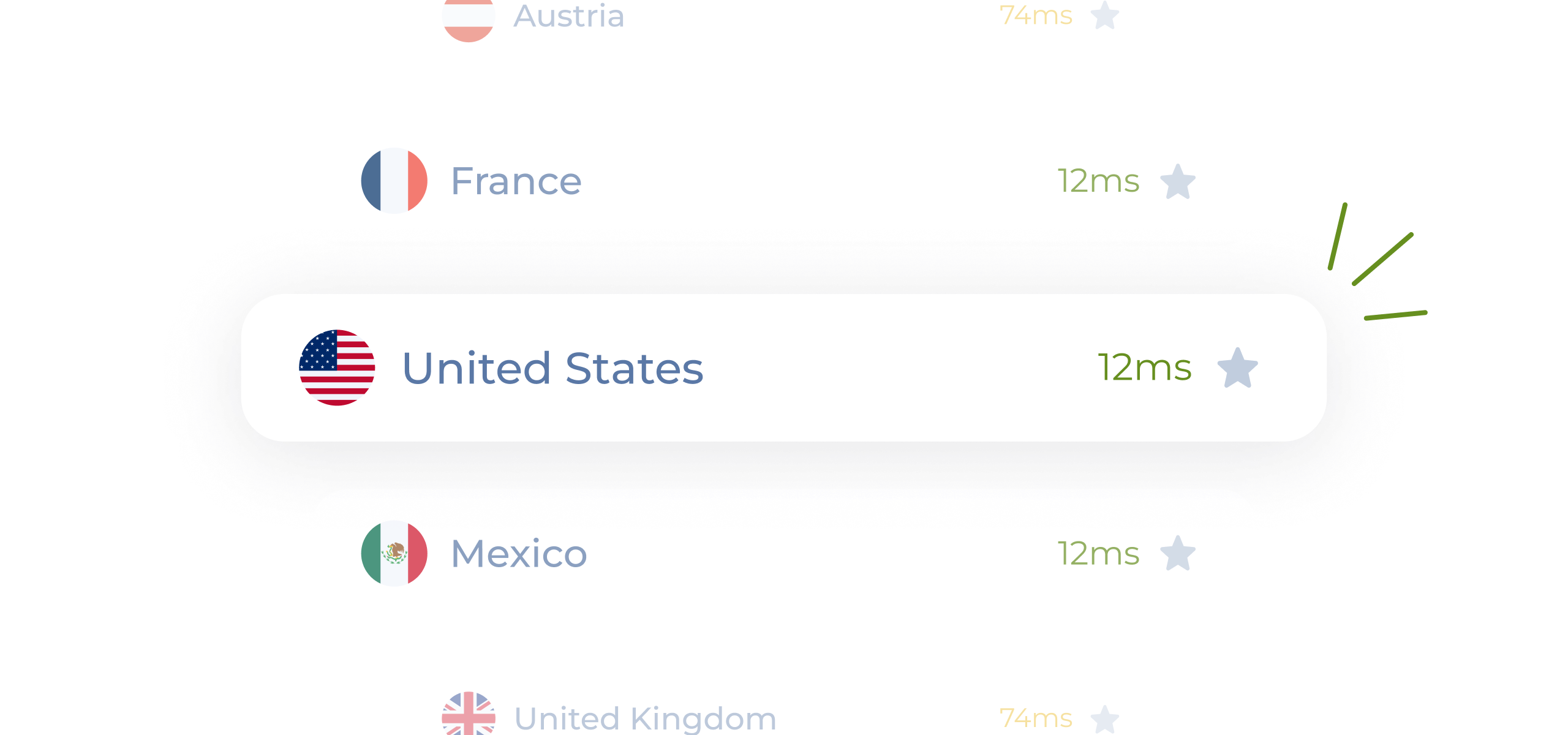
Mobile Legends has several servers: SEA, Europe, North America, and others. Many players don’t realize that choosing the wrong region automatically adds 80–150 ms to their ping.
With Planet VPN you connect to a VPN server close to your Moonton (MLBB) data center for a consistently low ping instead of lag spikes.
How to Use Planet VPN to Play Mobile Legends
It is very simple to set up Planet VPN to play Mobile Legends. Simply follow these instructions to connect to the Rift securely and reliably.
Download the app
Download the Planet VPN app from its Official Webpage.
Install the VPN
Install the VPN on your computer by following the installation process.
Launch Mobile Legends Client
Depending on the chosen server, launch the ML client.
Why ML Players Need a VPN
A ping of 200+ on your phone isn’t a death sentence. Often the problem isn’t your data plan but how traffic is routed from your device to Moonton — a VPN fixes the routing.
Stable ping in team fights
A VPN reroutes traffic around your provider’s overloaded nodes. During team fights, where fractions of a second decide everything.

Play anywhere without risk
Public Wi-Fi isn’t secure and it’s easy to intercept account data through it. Planet VPN encrypts your connection and protects your Moonton profile no matter where you play.

Access to other servers
Want to play Mobile Legends on Asian servers or with a friend abroad? A VPN lets you connect to the region you need and lower your ping.
No freezes at the decisive moment
Planet VPN eliminates connection instability precisely during the peak moments of the match, when network load is at its highest and regular internet starts to glitch.

Precise Skills Without Lag
In Mobile Legends, many heroes require precise timing for ultimates and combos. Even a slight delay caused by an unstable connection can turn a perfect cast into a miss.

What You Need to Know Before Playing Mobile Legends with a VPN
Planet VPN delivers speed and stability for mobile gamers.

Test Your Ping
Before joining a ranked match, check the stability of your VPN connection. Even a brief packet loss at the start of the game can cost you first blood and the initiative on the lane.

Don’t switch servers mid-session
A sudden IP address change between matches can trigger Moonton’s security. Pick a server once before your gaming session and don’t switch mid-game.

Choose a server based on your region
Connect to a VPN server geographically close to the Mobile Legends servers in your region — a server on another continent raises your ping and latency.

Monitor your battery and background apps
A VPN on a mobile device consumes additional resources. Close background apps and make sure your battery is charged.
Planet VPN Premium is a Global Network
The premium version of Planet VPN is ideal for gamers who value low ping, high speed, and global access

1260 servers

Double VPN

AES 256-bit encryption

Onion over VPN for router

OpenVPN, PlanetX, StarGuard, and IKEv2 protocols

Split tunneling

DNS and IP leak prevention

Killswitch
Frequently Asked Questions (FAQs)
-
Why do gamers need a VPN?
A VPN protects your connection from DDoS attacks, lets you reach Mobile Legends servers in other regions and reduces latency for smoother play.
-
Will the VPN make the ping higher in games?
When you connect to a nearby Planet VPN server your ping stays very low, so a good VPN for Mobile Legends won’t raise it — it usually lowers it.
-
Is it possible to use Planet VPN for free to play games?
You can play on 6 free game locations. Subscribe to over 100 premium with extra features, faster speeds, and enhanced security for the ultimate gaming experience.
-
Does Planet VPN work on game consoles?
You can absolutely set up a VPN on a router. This allows you to connect game consoles like PlayStation, Xbox, and Nintendo Switch.