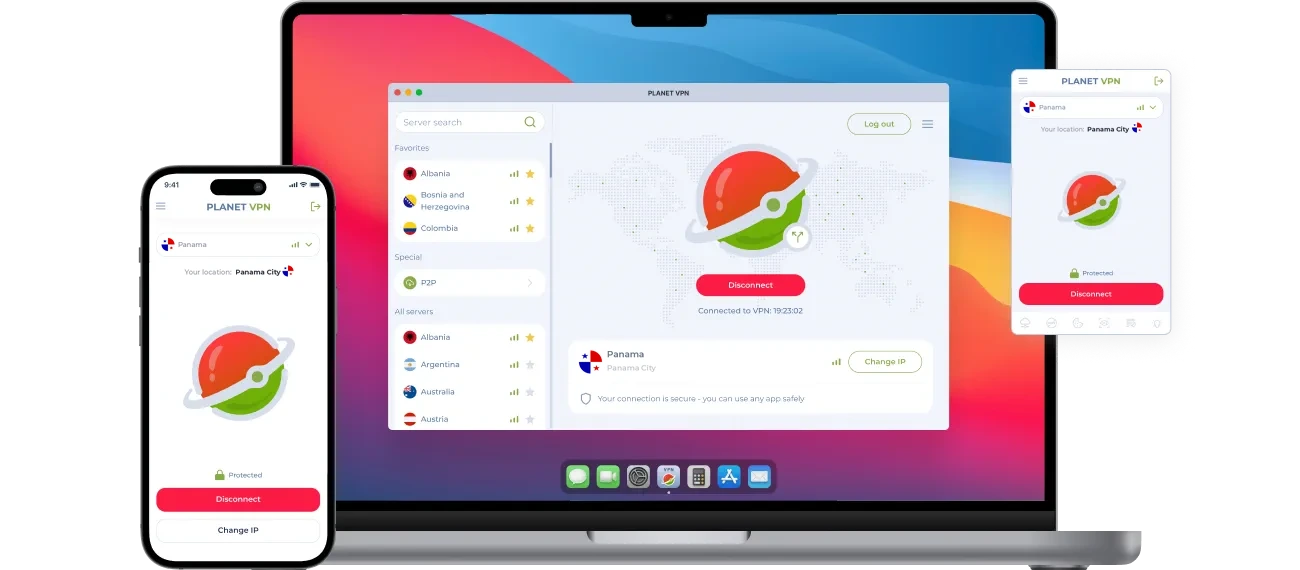
VPN Panama – A Private Panamanian IP for Expats and Business
Panama is popular with retirees and international businesses. Planet VPN’s Panama server gives you a Panamanian IP address when you’re away, with encrypted traffic for every login.
- Panamanian IP address on desktop and mobile
- Double VPN option for extra privacy
- Encrypted traffic for business accounts
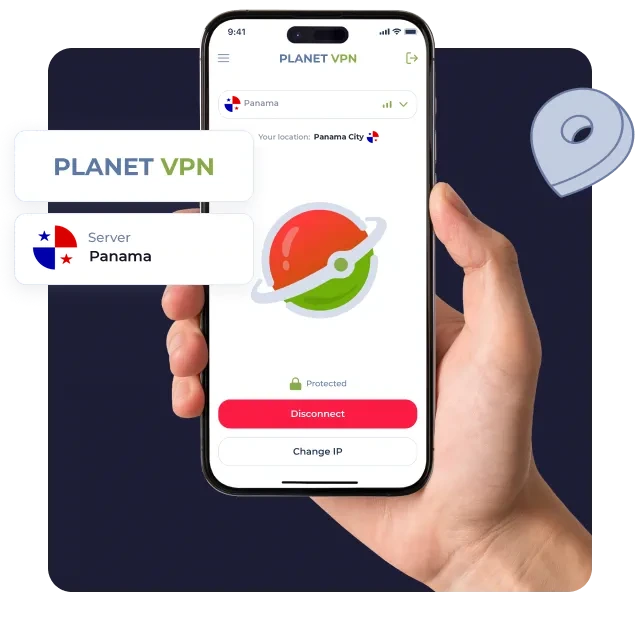
Three steps to a Panama VPN server
Download Planet VPN
Click “Get Panamanian server” to install Planet VPN on any device.
Installation depends on your device
Set it up in seconds. Zero tech skills needed.
Go to Panama
Open Planet VPN, choose Panama, and press Connect.
Reasons to Use a Panama VPN Server
If you have property or a business in Panama, you’ll deal with local portals often. Connecting through Panama keeps that work simple and private.

Read La Prensa
Follow Panamanian news, weather, and canal updates.

Browse Encuentra24
Look for rentals and used cars with a Panamanian IP.

File Paperwork on Panamá Digital
Complete official procedures at panamadigital.gob.pa and tax filings on the DGI portal.

Watch Local Channels
Stream TVN and Telemetro online where the broadcaster allows it.

Protect Business Logins
Encryption keeps your company accounts private on hotel and coworking Wi-Fi.

Privacy Tools on the Panama VPN Server
The Panama location is part of Planet VPN Premium. Four features worth knowing:
- Double VPN: Route traffic through two servers for an extra layer of privacy.
- Split tunneling: Choose which apps use Panama (Windows, macOS, Android).
- No-logs policy: Your browsing history stays with you.
- 30-day refund: Cancel within the first 30 days and get your money back.
Manage Your Affairs in Panama From Abroad
Before you log in to local portals, switch to the Panama server. You’ll get a Panamanian IP and a connection that stays private on any network.