

Free VPN for Destiny 2: Stable Connection for Raids and PvP
Connection issues in Destiny 2 can ruin your gameplay, from sudden disconnects during raids to lag in Crucible matches. With Planet VPN for Destiny 2, you get smoother connections, reduced lag, and stronger protection while you play.
- Reduced lag and stable connection in PvE and PvP
- Encrypted connection for secure gameplay
- Optimized routing to Destiny 2 servers
- Optimized servers for gaming
Trusted by 15M+ users worldwide · ★ 4.1 rating on Trustpilot · Free to download, no card required

Available on All Devices and Platforms
Fix Destiny 2 Connection Issues
There are various reasons why Destiny 2 may not work properly: server errors, ISP limitations, region limits, or unstable connections.
Planet VPN helps resolve common issues like disconnects, high ping, and login errors by improving routing and stabilizing your connection to game servers.

Advantages of VPN for Destiny 2
Destiny 2 relies on stable connections for both PvE and PvP activities. Even small delays can affect your performance in raids, strikes, or competitive matches.
Planet VPN connects you to optimized servers worldwide, helping reduce lag, avoid throttling, and maintain a consistent connection during gameplay.

What to Know Before Connecting to Destiny 2 with a VPN
- No activity logs, ever — we don’t track what you play.
- 100+ locations and 1,260+ servers on Premium — low-ping servers for smoother matches.
- Reliable encryption on public, campus, and office Wi-Fi.

Server compatibility
Choose a VPN server close to your Destiny 2 region to avoid increased latency.

Connection stability
Unstable VPN connections can still cause disconnects, so always test your connection before playing.

Background network usage
Close unnecessary apps to ensure maximum bandwidth for smooth gameplay.

Avoid frequent server switching
Changing servers too often may interrupt your session or cause connection errors.

Risk of temporary connection issues
Sudden IP changes may occasionally cause session interruptions. Staying on one server helps maintain stability.

Why do you need a VPN for Destiny 2?
Destiny 2 performance depends heavily on network stability. Poor routing or congestion can lead to lag spikes and disconnections.
Planet VPN improves the route between your device and Bungie servers, helping you maintain stable gameplay and avoid unexpected interruptions.

How to set up Planet VPN for Destiny 2
Setting up Planet VPN for Destiny 2 is easy and can be done in a few simple steps.
Step 1: Download the desktop app
Download the app from the official Planet VPN website and install it.
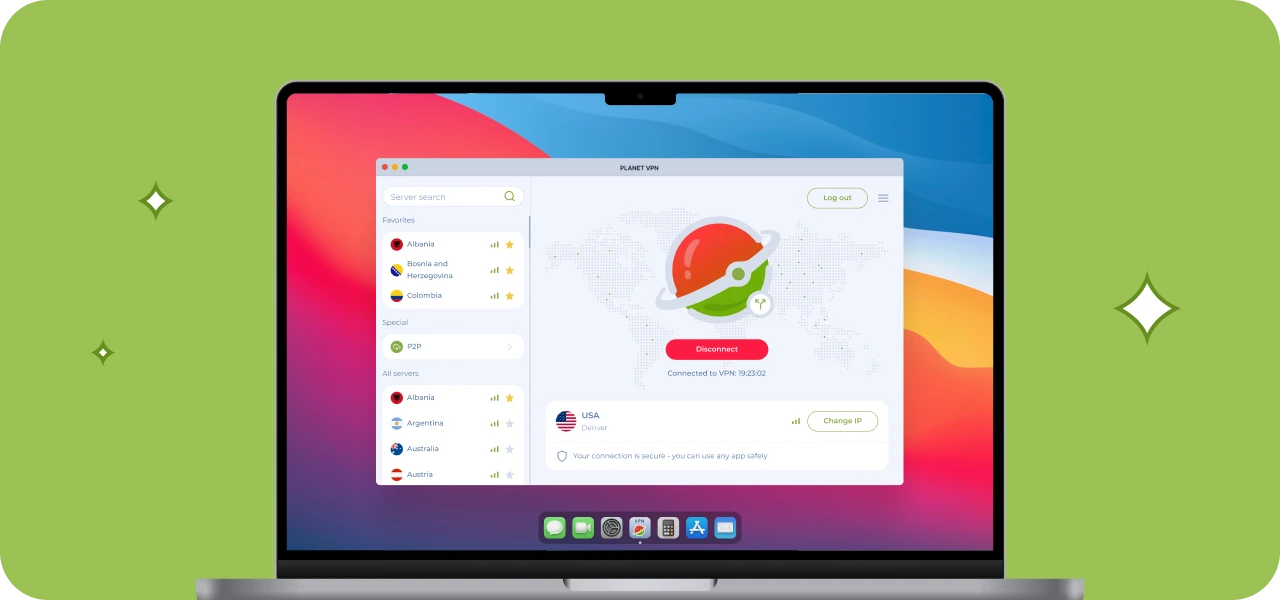
Step 2: Choose the preferred VPN server
Connect to a server close to your Destiny 2 region for best performance.
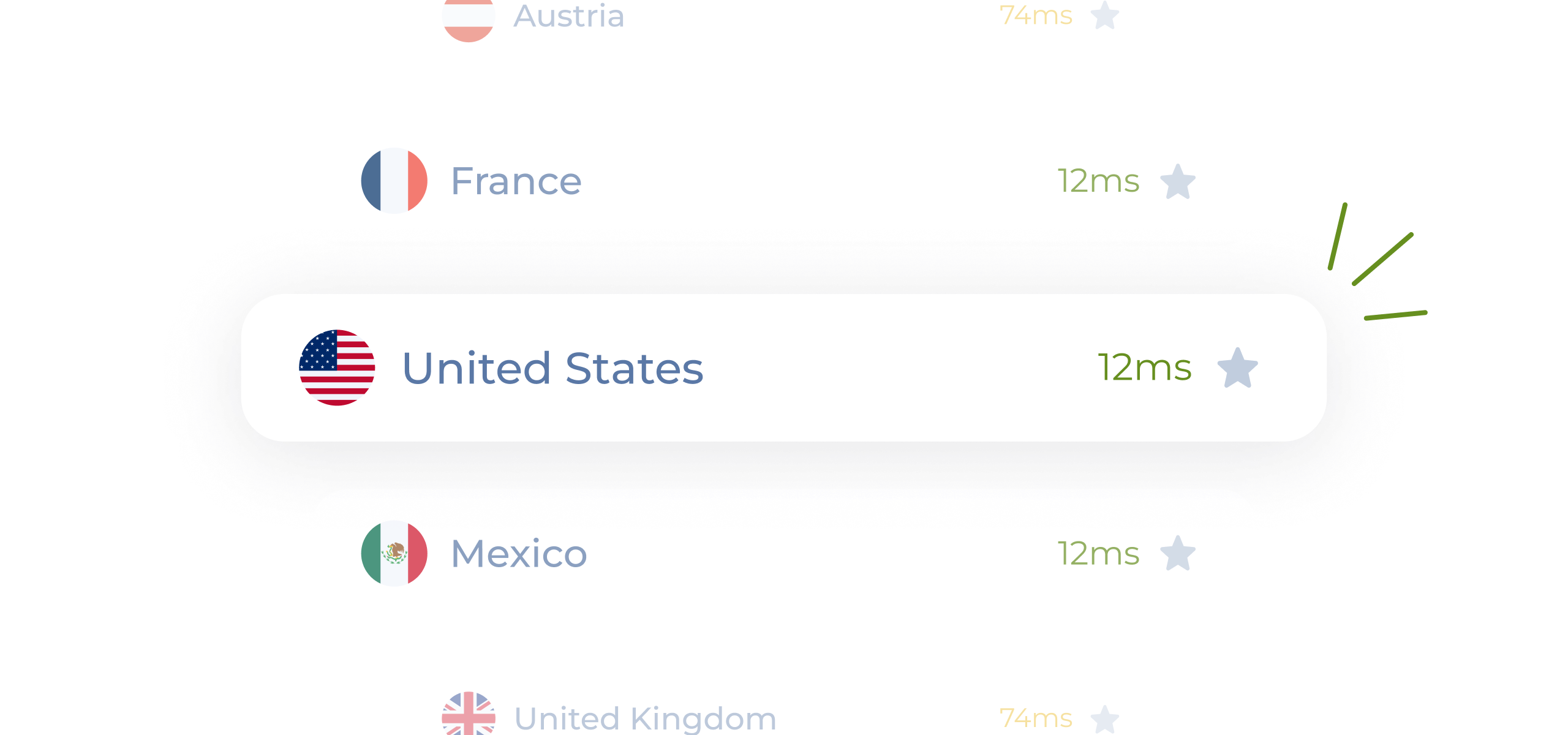
Step 3: Launch Destiny 2
Start the game and connect with a more stable and optimized network.

Step 4: Play without interruptions!
Enjoy smoother raids, stable PvP matches, and fewer disconnects.

Why Planet VPN Is One of the Best VPNs for Destiny 2
Planet VPN offers speed and stability for Destiny 2 players. It’s an easy and effective solution for improving your gaming experience.

Ease of Use
The interface is clean and simple. Connect in one tap without complex setup.

1260+ Servers to Choose From
Connect globally and play with friends in different regions without interruptions.

Speed and Optimization
Gaming-optimized servers help maintain stable ping during raids and competitive matches.

No Logs & Encryption
Planet VPN encrypts your connection and does not track your activity thanks to a strict no-logs policy.
How Destiny 2 Connection Stability Can Vary
Your connection quality in Destiny 2 can depend on your location, ISP routing, and network load. Poor routing or congestion can cause lag spikes and disconnects.
With Planet VPN, you can improve routing and maintain a more stable connection regardless of your location.

Planet VPN Premium is a Global Network
The premium version of Planet VPN is ideal for gamers who value low ping, high speed, and global access.

1260 servers

Double VPN

AES 256-bit encryption

Onion over VPN for router

OpenVPN, PlanetX, StarGuard, and IKEv2 protocols

Split tunneling

DNS and IP leak prevention

Killswitch
Frequently Asked Questions (FAQs)
-
Why do Destiny 2 players need a VPN?
A VPN helps improve connection stability, reduces lag, and allows you to connect to different server locations.
-
Will the VPN make the ping higher in games?
When connected to optimized servers, your ping remains more stable and low, even during intense gameplay sessions.
-
Is it possible to use Planet VPN for free to play games?
You can use free servers in 6 locations. Premium provides more regions, faster speeds, and enhanced stability.
-
Does Planet VPN work on gaming consoles?
You can set up a VPN on a router. This allows you to connect game consoles like PlayStation or Xbox, and play Destiny 2 there.