

Guidelines and Recommendations
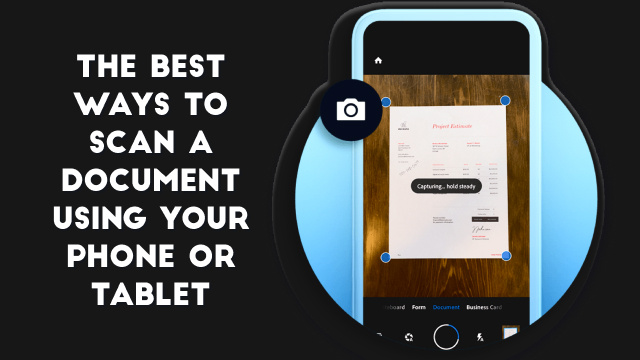
The Best Ways to Scan a Document Using Your Phone or Tablet
Introduction to Scanning Documents with Your Phone or Tablet Scanning documents with your phone or tablet has become a convenient and efficient way to digitize…
How to Run Windows Software on a Chromebook
Introduction Running Windows software on a Chromebook, which is powered by Chrome OS, may seem challenging at first glance. However, with the right tools and…
Does Your Computer Have a Virus? Here’s How to Check
To check if your computer has a virus, watch for warning signs — sudden slowdowns, crashes, pop-ups, unfamiliar programs, or your browser behaving oddly —…
What to Do When Windows Won’t Boot
Common Reasons Why Windows Won't Boot Windows not booting can be a frustrating issue for users. Here are some common reasons why your Windows may…
How to Set Up and Configure Your Amazon Echo
Introduction to Amazon Echo Amazon Echo is a smart speaker powered by Alexa, Amazon's virtual assistant. With the ability to play music, answer questions, and…
How to Run Android on Your Computer
Introduction: Why Run Android on Your Computer? Android is the most popular operating system for smartphones and tablets, and for good reason. It offers a…
How to Disable Notifications on Windows 10
Introduction: Why You Might Want to Disable Notifications on Windows 10 If you've ever felt overwhelmed by the constant barrage of notifications on your Windows…
How to Install and Use the Linux Bash Shell on Windows 10
Introduction: Why Use the Linux Bash Shell on Windows 10? The Linux Bash Shell is a powerful command-line interface used by developers and system administrators…