Facebook Not Working: What’s Going On and What to Do
When Facebook stops working, people react fast. They reload pages, switch networks, restart phones. The platform serves mn of users, yet even a huge system stalls sometimes. The trouble often comes from the device, the provider, or region-level limits.
A VPN helps check whether the provider blocks the platform, and it also adds privacy, steadier routing, and some breathing room when networks choke. Sometimes switching to another region through a VPN fixes everything in seconds.

Why is Facebook not working
Users ask “What’s wrong with Facebook?” whenever the site freezes or refuses to load. The reasons bounce around: outdated browsers, extensions that fight each other, low memory, clogged DNS, or even regional filters cutting access. Sometimes the app stores corrupted profile data and the interface starts acting weird. According to our analysts, this happens more often on older devices.
How to Fix:
- Restart your browser or app.
- Clear your cache and delete cookies.
- Check your connection speed.
- Try opening Facebook in incognito mode.
- Use a VPN to bypass any blocks.
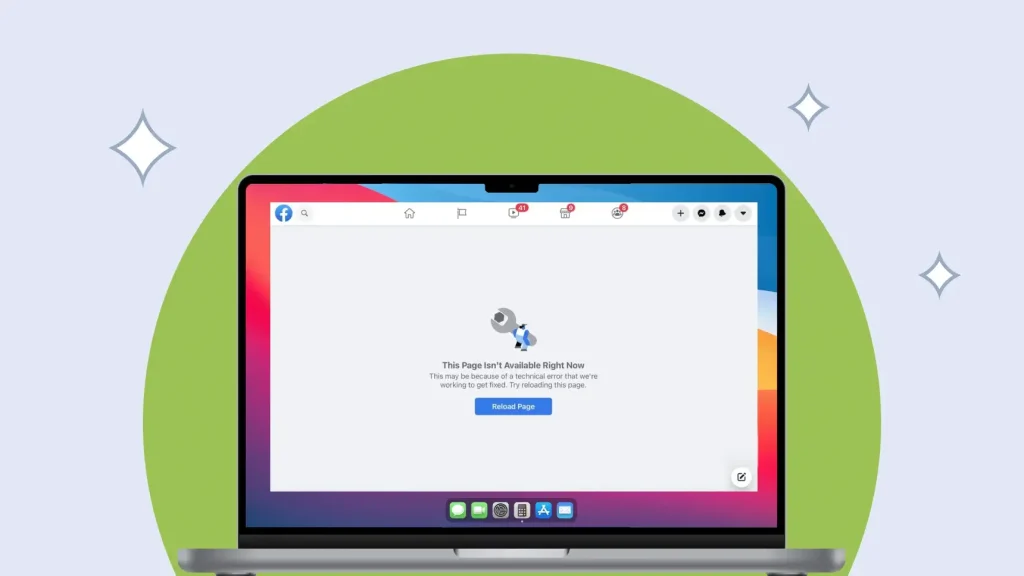
Facebook is down
Sometimes the issue jumps beyond your device. Facebook goes down globally. Meta’s server clusters misroute traffic, DNS settings break, or an internal update backfires. People in different countries suddenly hit the same errors, and monitoring sites spike with reports. Pages refuse to load, the app opens to nothing, complaints stack up. Only the company can fix those outages.
How to Fix:
- Check the failure statistics on monitoring services.
- Wait for technical work to finish.
- Connect to a VPN and try a different region.
- Switch to mobile data if Wi-Fi drags.
Facebook not loading
This one shows up everywhere. The page loads halfway and freezes, the feed spins endlessly, or the screen stays blank. Sometimes comments refuse to open or the platform throws random network messages. Old app versions, heavy browser extensions, and devices running on fumes cause these stalls. Even a solid network won’t help if the cache sits bloated or the app hasn’t updated in months.
How to Fix:
- Restart your device.
- Update the app.
- Make sure the date and time settings are correct.
- Disable browser extensions.
Facebook not opening
When Facebook doesn’t open in any form — browser or app — the issue digs deeper. Files inside the app may corrupt, network settings collapse, DNS breaks, or the router blocks the domain. Security tools sometimes mark the site as unsafe for no good reason. On weaker phones or tablets, the app won’t launch because the system can’t give it enough memory.
How to Fix:
- Reinstall the app.
- Confirm that power saving mode is off.
- Check parental controls for site blocking.
- Try a different browser.
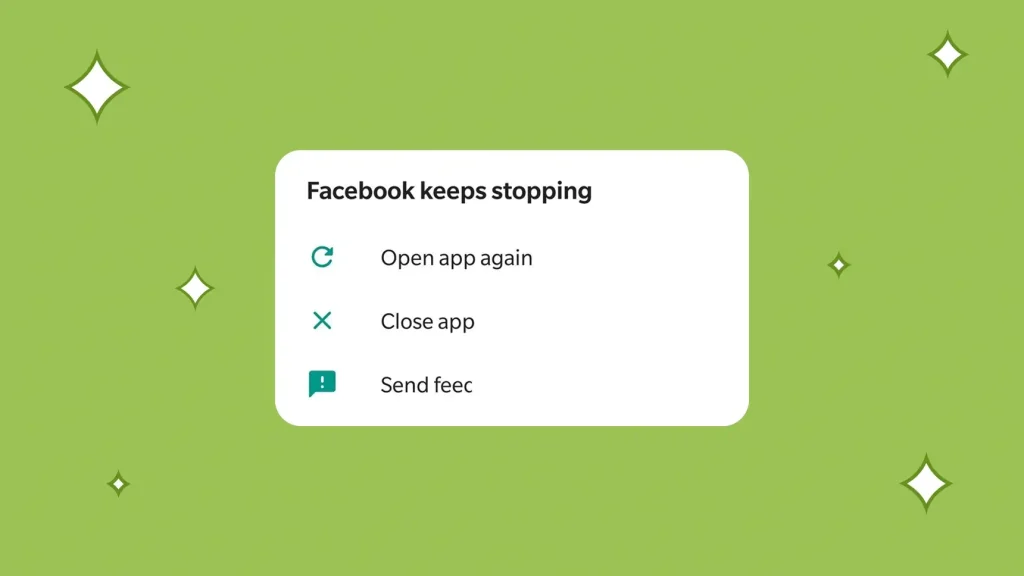
Facebook keeps crashing
If the app keeps crashing, updates usually triggered the mess. A bad cache, overheated device, or broken system libraries spark sudden shutdowns. Older smartphones run into this constantly since new app builds demand more resources. Big OS updates on Android or iOS also cause temporary instability. We think many users hit this right after major system patches.
How to Fix:
- Clear the app data.
- Remove the latest updates and reinstall them.
- Scan your device for malware.
- Free up memory.
Facebook not responding
When Facebook stops responding, the browser might choke from too many tabs or overloaded scripts. Extensions interrupt code execution, the processor maxes out, or the app tries to load interface elements that never finish downloading. Sometimes the server sends partial data, leaving the interface stuck mid-action.
How to Fix:
- Close other tabs.
- Restart your browser.
- Check your internet stability.
- Connect to a VPN and switch regions.
Facebook glitching
Facebook sometimes glitches in weird ways, and users spot UI duplication, broken layouts, or elements that load halfway then freeze. The screen jerks, buttons vanish, text jumps around. We think these issues often come from shaky JavaScript behavior or a browser that fights with GPU acceleration. A stuffed cache adds fuel to the fire. New builds roll out, something small goes sideways, and the interface stutters until Meta stabilizes the release.
How to Fix
- Update the app to the newest build.
- Turn off graphics acceleration inside the browser settings.
- Reset the app configuration if the mess keeps repeating.
Facebook slow
Slow performance rarely comes from a single cause. Maybe your internet dips. Maybe the server hits heavy traffic. Devices with low RAM choke on large feed loads, and the cache swells until everything grinds. Browser sessions get messy when old extensions interfere with scripts. Phones slow down too; background apps pile up, and power-saving modes throttle everything without asking.
How to Fix
- Clear the cache.
- Check if a VPN runs in the background.
- Switch to Wi-Fi.
- Review system load and shut down noisy apps.
Global and local causes
Many users ask what’s going on with Facebook or why the platform stalls out of nowhere. Sometimes Meta schedules maintenance. Sometimes the service goes unavailable for a short window. Internal error messages pop up and confuse everyone. Providers block traffic in certain regions, and only part of the feed loads. According to our analysts, a VPN usually fixes region-locked access, so people rely on it as a quick workaround.
Problems on Android and iPhone
Android users often run into issues after app updates clash with older system components. Crashes, freezes mid-scroll, or media failing to load are common. iPhone users face storage limits, iOS restrictions, or background throttling that interrupts normal operation. Sometimes the app stops responding after switching networks or moving between Wi-Fi and mobile data. Notifications can fail, stories may not upload, or feeds appear incomplete.
Internal glitches linger until users refresh the installation, clear leftover files, or reset app permissions. Battery-saving modes, aggressive task managers, and older devices make these problems worse. Regional restrictions imposed by carriers or ISPs can also block or slow access. Using a VPN can help bypass these blocks and restore functionality quickly.
Device-specific troubleshooting tips:
Android
- Clear app cache via Settings > Apps > Facebook > Storage > Clear Cache.
- Remove old media and unused files inside the app to free space.
- Check for OS updates and install the latest version.
- Disable aggressive battery-saving modes or task killers that close background apps.
- Ensure Facebook has proper permissions for storage, network, and notifications.
- Restart the device to refresh memory and system processes.
iPhone
- Restart the device after updates or after reinstalling the app.
- Delete and reinstall the Facebook app to remove corrupted files.
- Check storage via Settings > General > iPhone Storage and free up space if needed.
- Make sure iOS is updated to the latest stable version.
- Disable low-power mode temporarily to prevent throttling of background processes.
- Reset app permissions if network or media features fail.
How to Fix
- Reinstall the app to remove corrupted files.
- Clear cache, extra files, and old media stored in the app.
- Install the latest OS update to fix compatibility issues.
- Reset app permissions to ensure proper network and storage access.
- Try a VPN to bypass regional or carrier-level blocks.
- Close background apps and disable battery-saving modes that throttle performance.
- Restart your device to refresh memory and system processes.
Conclusion
Facebook breaks sometimes. Not dramatic, just annoying. A step-by-step check usually sorts things out. We think VPN access helps people rule out provider interference and restores functionality faster than most other tactics. When problems linger, the adjustments above give users a decent chance to fix the app without escalating further.
Frequently Asked Questions (FAQs)
-
Why is Facebook not working right now?
Technical updates, server glitches, or network issues cause the platform to stall. Try a VPN and look at the status page.
-
How can I confirm a global outage?
Status-tracking sites report spikes in complaints. If the chart jumps, you wait. No magic fix here.
-
Is Facebook not loading only for me?
Sometimes, yes. Check your connection, restart the app, and use a VPN to narrow down the source.
-
Can I speed up Facebook?
Clear the cache. Update the app. Stabilize your connection. Straightforward but effective.
-
Why does the app crash?
App errors, buggy patches, or low memory push it over the edge. A reset or reinstall usually helps.
Meta sometimes runs maintenance that hits entire regions at once. In other cases, the trouble stays local: router misconfigurations, stale DNS records, sync failures, or strict provider rules. Carriers in certain areas block access partially, and users see the feed break in odd ways. A VPN solves regional interruptions fast and works as a stopgap until normal access returns.
