

Free VPN for Chrome
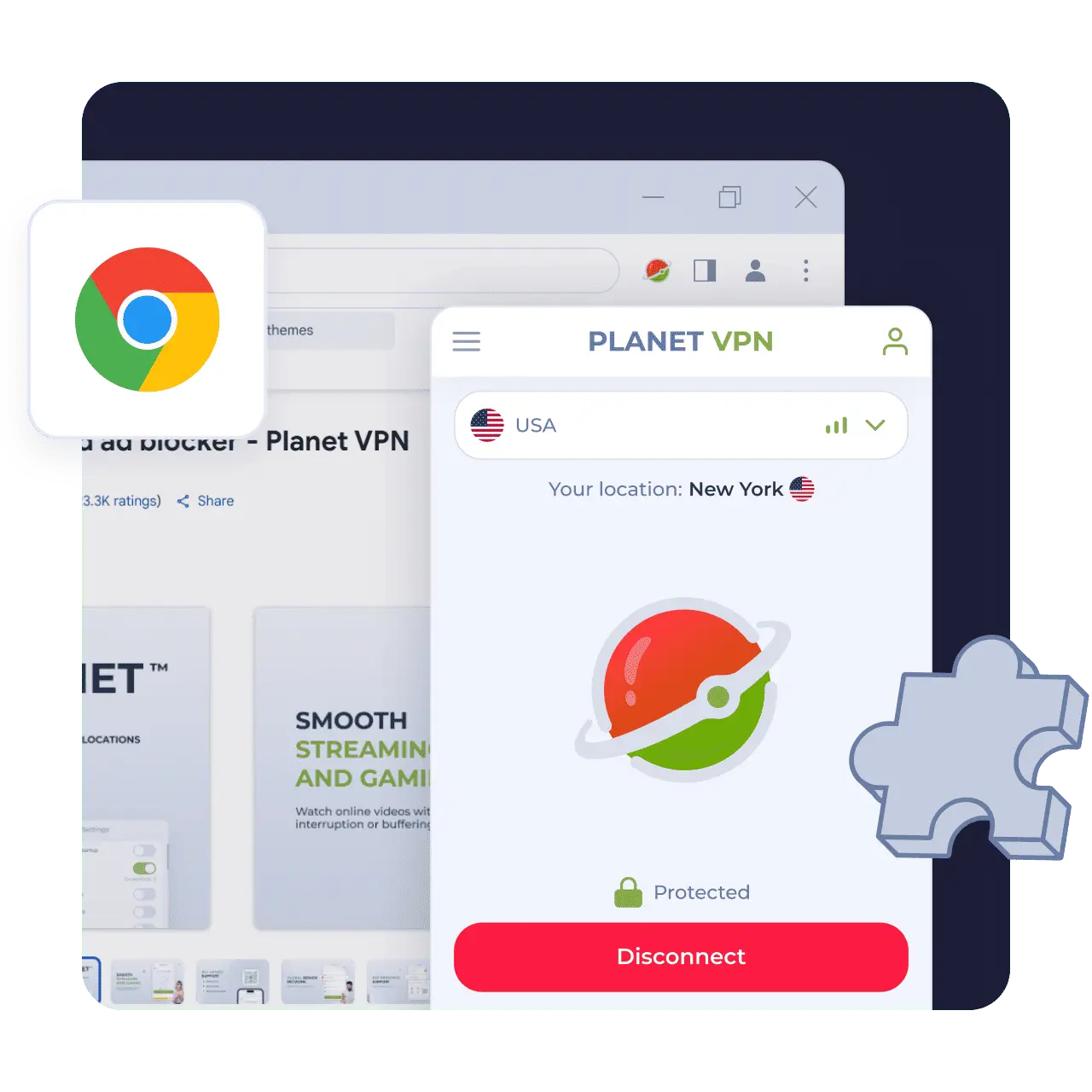
Protect your browser in one click. No account, no limits, no data collected. Just fast, private browsing with Planet VPN for Chrome.
- Unrestricted and fast speed
- Modern encryption protocols
- No registration required
- User-friendly one-click connection
Available on All Devices and Platforms
Why Use a Free VPN for Chrome
Using a Chrome VPN extension helps you stay anonymous and shielded on the web while maintaining
maximum productivity and enhanced privacy.
No logs & No traffic or Speed Limits
Planet VPN is a no logs VPN Chrome extension, which means that your browser activity can’t be monitored or shared. We do not collect your website and download activity, and there are no traffic or speed limits.

100% Free – No registration, No Hidden Costs
Planet VPN’s free version doesn’t require any fees and isn’t limited by trial periods. To use a VPN extension for Chrome, there’s no need to create an account or even share your email. Your personal information stays only yours.
Automatic Connection and Smart Filters
Download free VPN extension to connect to the most optimized server automatically while including smart filters. This helps you control which websites or tabs can use the VPN tunnel and which don’t, instead of rerouting all your traffic.
How to Install the Chrome Extension
A VPN extension for Chrome is very easy to install and takes less than a minute.
Download
Go to the Chrome Webstore, click on ‘Add to Chrome’, and approve the addition of the extension to Chrome.
Start the extension
Click on the VPN in the extensions tab, and agree to the terms.
Connect to VPN
Click on the ‘Connect’ button, and your connection is instantly secured!
Key Benefits of Planet VPN for Chrome
The team of Planet VPN strives to make your experience with the Chrome VPN extension seamless.

Instant connection with one click
This is the simplest part. Install the extension, hit ‘Connect,’ and your internet becomes safer immediately. No menus, no confusing setup. It just works.

Global server access
Get access to the entire world with servers in 5 countries and 1,260 premium servers all over the world, and switch between them in seconds.

Strong privacy and encryption
Planet VPN for Chrome secures your connection with strong encryption, keeping your data private. Enjoy fast, stable performance with no noticeable slowdown.

Truly unlimited browsing
Ads, popups, restrictions — gone. No notifications about speed, bandwidth, or session length. You browse freely. Honestly, it feels like the web just opens up.
How Planet VPN Stands Out From Other VPNs
Planet VPN takes the best from premium VPNs and offers a perfect solution for everyday use – a free, fast,
and secure VPN for your Chrome browser.
Completely Free – No Trials
Planet VPN is truly a free VPN for Chrome. You won’t be hit with any hidden fees or trial periods. Just install the extension and browse or stream for as long as you need. We pledge to deliver transparent, obligation-free service without interruption.

No Registration or Sign up Required
Your personal information stays 100% private as Planet VPN doesn’t require any form of registration unless you subscribe to Premium. In that case, we will only need your email address. This approach ensures the highest level of privacy for free users.

Unlimited Bandwidth and Speed
Stream, game, browse, and download all without slowdowns or restrictions. Planet VPN provides stable and reliable servers with no bandwidth caps, even during peak hours.

Lightweight and Easy-to-Use Extension
Planet VPN is designed with users in mind, making the app lightweight for smooth and seamless performance.

Strict No‑Logs Policy
Planet VPN is based in Romania, which is a country that is not a part of the 5, 9, or 14 Eyes Alliances. These agreements allow governments to monitor and exchange user data across borders if they decide that they need to. Planet VPN can effectively follow a no-logs policy, which ensures your activity is unreachable and can’t be stored or shared.
Why Planet VPN Is Trusted by Millions
Worldwide
Verified & Reviewed by Trusted Review Sites

Planet VPN shines in a couple of categories. It supports torrenting and offers robust security features along with a transparent no-logs policy. Plus, its streaming capabilities and speeds have improved thanks to its new StarGuard protocol. On top of that, its free version has no traffic, bandwidth, or time limits, which is uncommon among most VPNs.

I’m pleased with Planet VPN’s transparency and no-logs policy. It does a great job at keeping users secured online. It also has a good server network and is quite user-friendly.

Planet VPN is secure and pretty fast, but it’s only good for torrenting and browsing. It includes industry-standard VPN security features like 256-bit encryption, a kill switch, a strict no-logs policy, and protection and DNS and WebRTC leaks. Planet VPN has an intuitive dashboard that is easy to navigate and allows 10 simultaneous connections.
Join the Planet VPN Community of 10+ Million
Users Worldwide





Frequently Asked Questions (FAQs)
-
Why should I use a VPN extension for Chrome?
An unlimited VPN Chrome extension from Planet VPN encrypts and reroutes your traffic via a reliable tunnel. Because of the hidden IP address, you can stay anonymous online: you can’t be tracked, and your data can’t be collected or shared.
-
How do I install the VPN extension on the Chrome browser?
First, go to the Chrome Web Store via the link on this page, and click on the button ‘Add to Chrome’. Once the extension is added, open it from the extension tab and click ‘Connect.’
-
Does the Chrome VPN extension log my activity?
No, because Planet VPN strictly follows a no-logs policy. Your online presence is completely private since we don’t monitor, gather, or share your browsing activity.
-
Is Planet VPN for Chrome really 100% free?
Planet VPN is a 100% free VPN for Chrome. There are no hidden fees, limits, or trial periods. You get access to fast and secure servers with unlimited bandwidth, absolutely free.
-
Do I need to create an account or sign in to use the VPN extension?
No, the free version does not require it. Connect in one click after installing the extension and enjoy a free and open internet. If you upgrade to Premium, we will only need your email to process the payment.