

Guidelines and Recommendations
To access the BIOS/UEFI on Windows 11, open Settings > System > Recovery, then click "Restart now" next to Advanced startup. When the blue menu…
Safeguarding Your Digital Footprint: How to Stay Safe Online In today's interconnected world, safeguarding your digital footprint is crucial to ensuring your online safety. With…

How to access clipboard on iphone
Exploring the iPhone Clipboard: A Guide to its Hidden Power The iPhone clipboard is a hidden gem that holds a plethora of untapped potential. It…
Introduction: Why Create Your Own VPN? Virtual Private Networks (VPNs) have become increasingly popular as individuals seek to protect their online privacy and security. A…
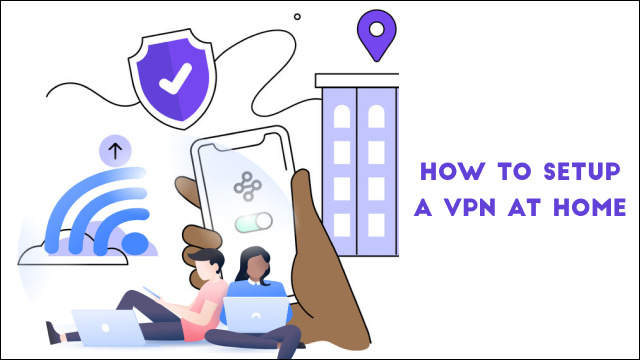
Why You Need a VPN at Home: Protect Your Privacy and Security In today's digital age, online privacy and security have become increasingly important. One…
Understanding VPN on iPhone A Virtual Private Network (VPN) on iPhone is a security tool that allows you to connect to the internet through a…
Understanding VPN on iPhone A Virtual Private Network, or VPN, is a technology that creates a secure and encrypted connection between your device and the…
How to install a VPN on a school computer
Introduction: The Importance of VPNs on School Computers In today's digital age, schools are increasingly relying on technology to support their educational programs. As a…