

Guidelines and Recommendations

How to access camera on chromebook
Unleashing the Camera: A Step-by-Step Guide for Chromebook Users Ready to capture memories or engage in video calls on your Chromebook? Unleashing the power of…

How to enable camera access on instagram
Granting Camera Access: Step-by-Step Guide for Instagram Instagram's camera feature allows you to capture and share your favorite moments seamlessly. To make the most of…

How to allow instagram access to photos
Simplifying Photo Access: A Step-by-Step Guide for Instagram When it comes to sharing your precious moments on Instagram, simplifying photo access is essential. Follow this…
To access the BIOS/UEFI on Windows 11, open Settings > System > Recovery, then click "Restart now" next to Advanced startup. When the blue menu…
Safeguarding Your Digital Footprint: How to Stay Safe Online In today's interconnected world, safeguarding your digital footprint is crucial to ensuring your online safety. With…
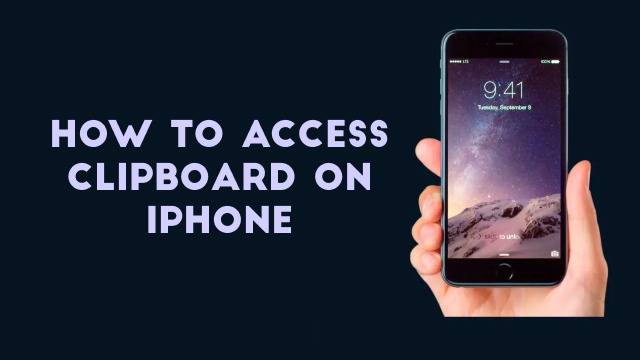
How to access clipboard on iphone
Exploring the iPhone Clipboard: A Guide to its Hidden Power The iPhone clipboard is a hidden gem that holds a plethora of untapped potential. It…
Introduction: Why Create Your Own VPN? Virtual Private Networks (VPNs) have become increasingly popular as individuals seek to protect their online privacy and security. A…
Why You Need a VPN at Home: Protect Your Privacy and Security In today's digital age, online privacy and security have become increasingly important. One…